Car Crash: Extreme Jump Test

Car Crash: Extreme Jump Test

Racing

| LevelXGames

Play on PC with BlueStacks or from our cloud

  • Overview
  • Game Features
  • How to Play

Page Modified On: November 12, 2026

Play Car Crash: Extreme Jump Test on PC or Mac

Explore a whole new adventure with Car Crash: Extreme Jump Test, a Racing game created by LevelXGames. Experience great gameplay with BlueStacks, the most popular gaming platform to play Android games on your PC or Mac.

About the Game

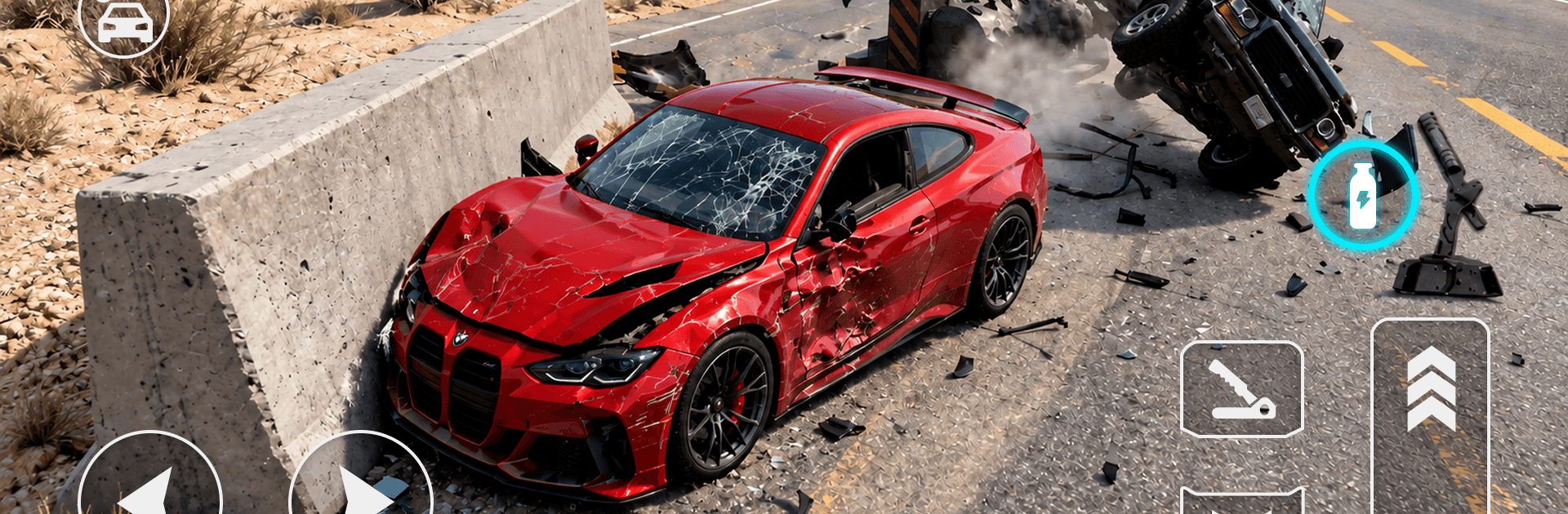
Car Crash: Extreme Jump Test is all about throttle, airtime, and the kind of landings that make you wince and grin at the same time. It’s a physics-fueled playground where you send beefy cars off massive ramps, try to stick the landing, and sometimes just embrace the wreck. If you like your Racing loud, fast, and a little chaotic, it feels great—especially on BlueStacks if you prefer a bigger view and crisp controls.

Game Features

  • Gravity-defying jumps: Launch off oversized ramps, steer midair, and fight for a clean touchdown—or go out in spectacular fashion and learn from the mess.
  • Skill-first driving: Every level mixes ramp angles, gaps, and landing zones; read the setup, manage speed, and time takeoff and tilt to nail the run.
  • Satisfying destruction: Hard hits twist, crunch, and crumple your ride; different speeds and angles create unique crash results that change how a level plays out.
  • Stunt-friendly layouts: Thread between obstacles, clear sneaky gaps, and use longer flights to reach tough spots hidden behind tricky routes.
  • Easy-to-grasp controls: Focus on throttle, steering, and timing without clutter; the challenge comes from the course design, not button gymnastics.
  • Progress that pushes back: As you advance, jumps grow wilder, obstacles get nastier, and consistency matters more than raw speed.
  • Experiment and iterate: Tweak your run-up, adjust momentum, and try new lines until you find the cleanest path to the goal.
  • Physics that matter: Weight, speed, and impact decide how far you fly and how brutally you land, turning each attempt into a fresh test.
  • Punchy rides to launch: Feel the torque as you build speed for takeoff, then use precise inputs to guide every flip, twist, and scrape.

Get ready for a buttery smooth, high-performance gaming action only on BlueStacks.

Game Features

Enhancements

  • Macros
  • Multi Instance
  • Multi Instance Sync
  • Script
  • Enhancements
Macros

Macros

Automate the predictable in Car Crash: Extreme Jump Test and transform your gameplay with Macros. Get access to inventive Macros in the BlueStacks Macro Community
Multi Instance

Multi Instance

Play Car Crash: Extreme Jump Test on one window. And chat with your friend on the other. Press CTRL + Shift + 8 to open the Multi-Instance Manager. And start creating fresh instances or clone an existing one.
Multi Instance Sync

Multi Instance Sync

Play Car Crash: Extreme Jump Test with the power of Multi-Instance Sync. Replicate what you are doing on the main instance on all other instances. Level up faster, play more.
Script

Script

Script your way to gaming glory in Car Crash: Extreme Jump Test with BlueStacks Script. Write and run a set of commands to automate repeated tasks. Trigger the command by assigning it to any key.
Read More

How to Download and Play Car Crash: Extreme Jump Test on PC or Mac

  • Download and install BlueStacks on your PC or Mac

  • Complete Google sign-in to access the Play Store, or do it later

  • Look for Car Crash: Extreme Jump Test in the search bar at the top right corner

  • Click to install Car Crash: Extreme Jump Test from the search results

  • Complete Google sign-in (if you skipped step 2) to install Car Crash: Extreme Jump Test

  • Click the Car Crash: Extreme Jump Test icon on the home screen to start playing

video
Watch Video

Minimum System Requirements

With BlueStacks 5, you can get started on a PC that fulfills the following requirements.

  • Operating System

    Microsoft Windows 7 or above, macOS 11 (Big Sur) or above

  • Processor

    Intel, AMD or Apple Silicon Processor

  • RAM

    at least 4GB

  • HDD

    10GB Free Disk Space

Note:

* You must be an Administrator on your PC. Up to date graphics drivers from Microsoft or the chipset vendor.

Car Crash: Extreme Jump Test - FAQs

  • How to play Car Crash: Extreme Jump Test on Windows PC & Mac?

    Play Car Crash: Extreme Jump Test on your PC or Mac by following these simple steps.

    • Click on 'Play Car Crash: Extreme Jump Test on PC’ to download BlueStacks
    • Install it and log-in to Google Play Store
    • Launch and play the game.
  • Why is BlueStacks the fastest and safest platform to play games on PC?

    BlueStacks respects your privacy and is always safe and secure to use. It does not carry any malware, spyware, or any sort of additional software that could harm your PC.

    It is engineered to optimize speed and performance for a seamless gaming experience.

  • What are Car Crash: Extreme Jump Test PC requirements?

    Minimum requirement to run Car Crash: Extreme Jump Test on your PC

    • OS: Microsoft Windows 7 or above MacOS 11 (Big Sur) or above
    • Processor: Intel, AMD or Apple Silicon Processor
    • RAM: Your PC must have at least 4GB of RAM. (Note that having 4GB or more disk space is not a substitute for RAM)
    • HDD: 10GB Free Disk Space.
    • You must be an Administrator on your PC.