


Beauty Screw Jam: Spin & Glam
Play on PC with BlueStacks – the Android Gaming Platform, trusted by 500M+ gamers.

Page Modified on: Dec 12, 2025
Main Beauty Screw Jam: Spin & Glam on PC
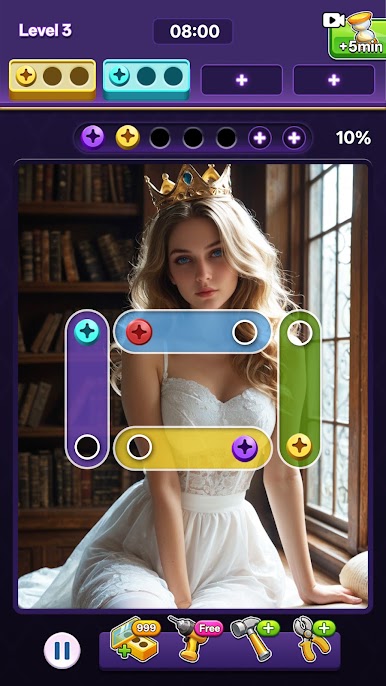
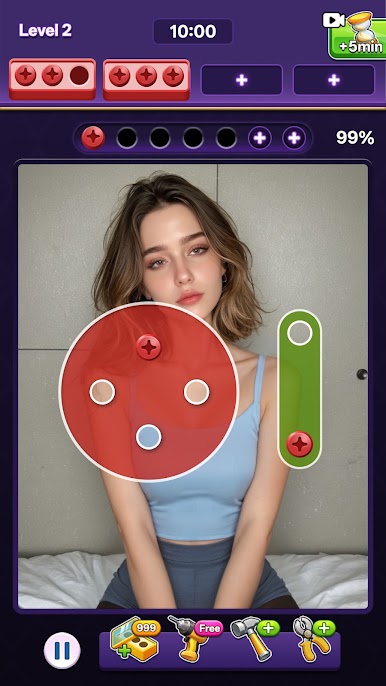
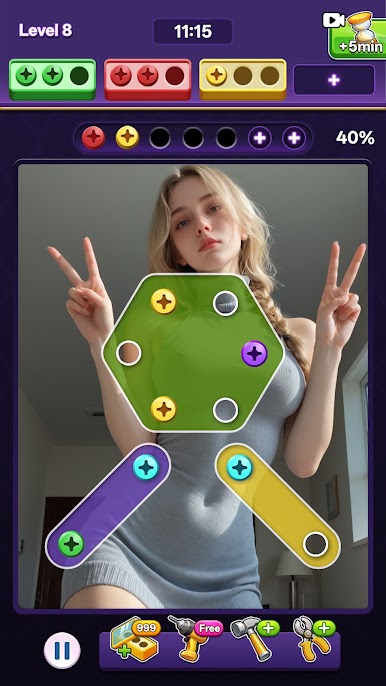
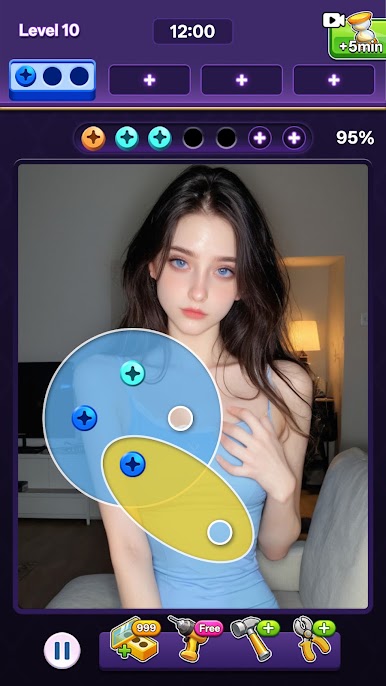
Unscrew the screw according to its color and put it in the screw box at the top. You can complete a set of three screws of the same color to help you pass the customs smoothly! 🛠️ Each level can accommodate up to four screw boxes, but not every level will be provided! If there is no corresponding box, the screws will be placed in the waiting area and can be extended up to seven squares.
There are also four magical items to help you:
Add the waiting area grid: Expand the waiting area and manage the screws more easily! 🧩
Add screw box: Add a box in an emergency, and combine colors quickly! ⚡
Smash geometric blocks directly: Eliminate disturbing patterns and free up space! 💥
Remove the waiting area screws: Clear the waiting area and re-plan your strategy! 🔄
Come experience Beauty Screw Jam: Spin & Glam, challenge your mind, have fun twisting the screws, and create gorgeous patterns! 🌈 Let's spin, shine and conquer every level together! 💖
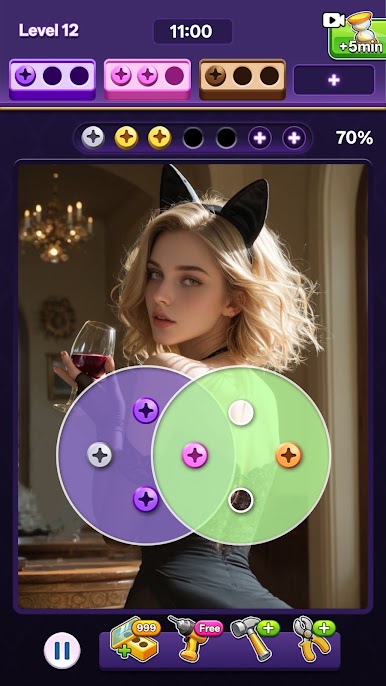
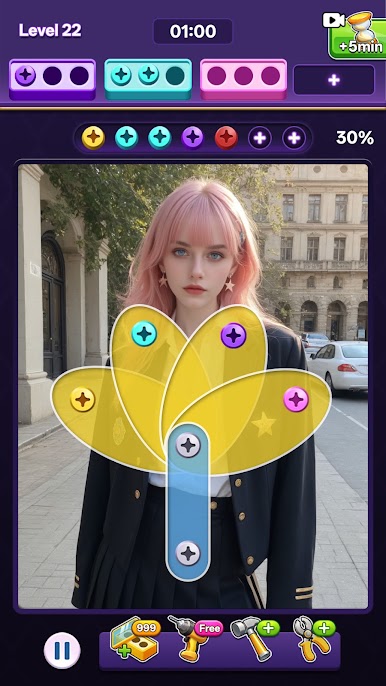
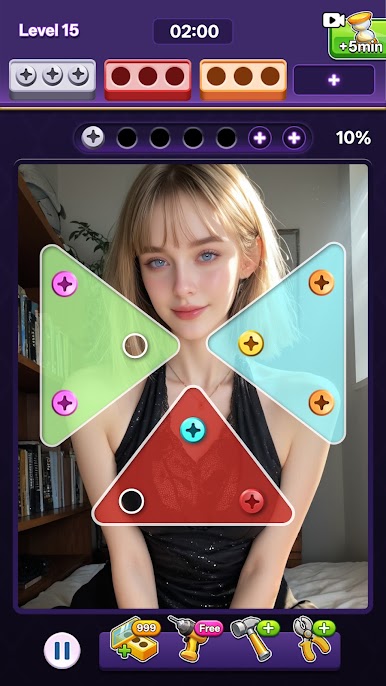
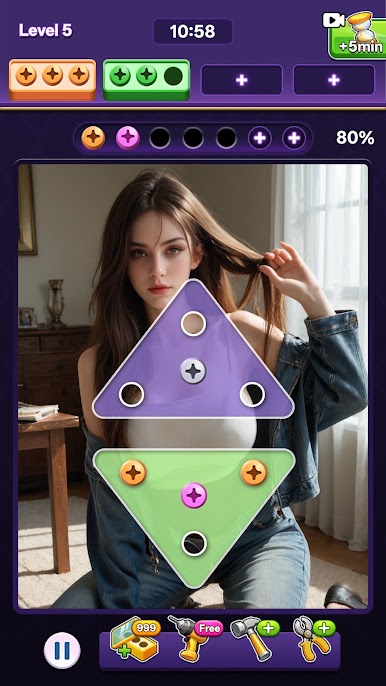
Play Beauty Screw Jam: Spin & Glam on PC. It’s easy to get started.
-
Download and install BlueStacks on your PC
-
Complete Google sign-in to access the Play Store, or do it later
-
Look for Beauty Screw Jam: Spin & Glam in the search bar at the top right corner
-
Click to install Beauty Screw Jam: Spin & Glam from the search results
-
Complete Google sign-in (if you skipped step 2) to install Beauty Screw Jam: Spin & Glam
-
Click the Beauty Screw Jam: Spin & Glam icon on the home screen to start playing


