

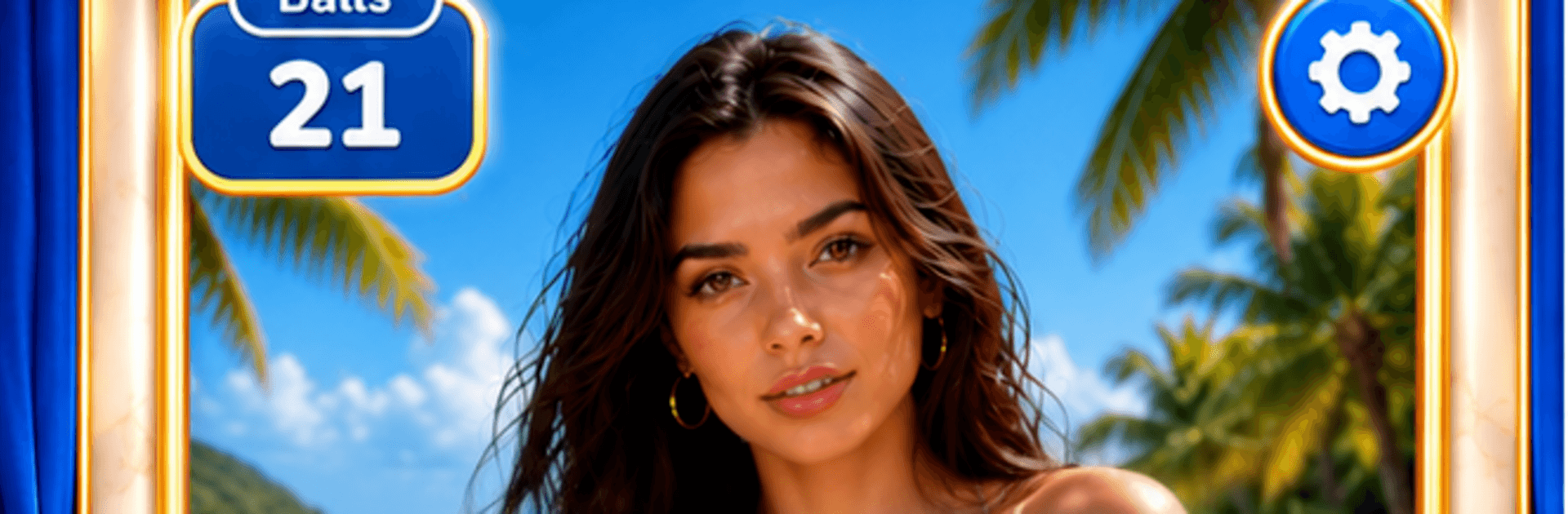
Beauty Smash Fest
Play on PC with BlueStacks – the Android Gaming Platform, trusted by 500M+ gamers.

Page Modified on: Sep 28, 2026
Play Beauty Smash Fest on PC or Mac
Play Beauty Smash Fest by PopMedia on PC or Mac with BlueStacks. Use a bigger screen, mouse and keyboard controls, and smoother performance while you play.
About the Game
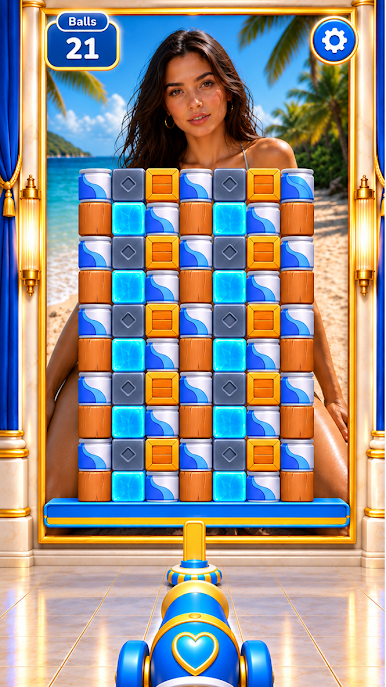
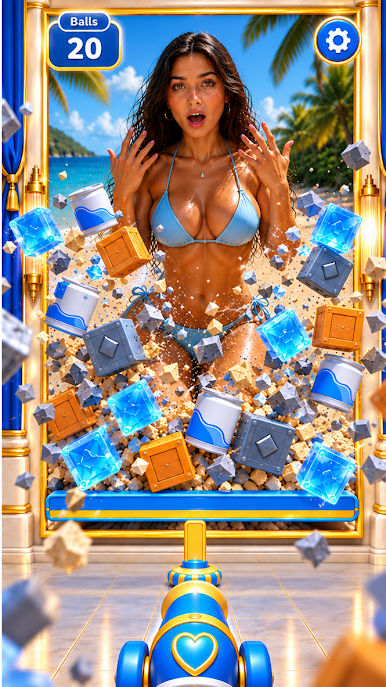
Beauty Smash Fest is a punchy Arcade experience where you pilot a compact cannon and peel away obstacles one satisfying blast at a time. It’s all about picking the right angle, timing your shots, and uncovering stylish surprises hiding beneath each layer. Quick to learn, surprisingly strategic, and perfect when you’ve got a minute to spare—or a whole evening to burn. Prefer a bigger screen? It plays comfortably on BlueStacks without getting in your way.
Game Features
- Satisfying Cannon Smashes: Fire crisp shots and watch stacks crumble with weighty, screen-filling physics.
- Sharpened Aiming: Nudge your angle, time the trigger, and slip shots through tight gaps like a pro.
- Layered Reveals: Clear barriers to unveil chic characters, fresh looks, and scene makeovers that feel earned.
- Collectible Styles: Unlock new outfits, character variations, and visual themes as you progress.
- Evolving Levels: Every stage shakes up the layout with new obstacles, trick paths, and smart ways to clear the board.
- Quick Sessions, Long Runs: Great for a fast break or a marathon streak—progress clicks either way.
- Rewards and Surprises: Pick up goodies as you play and open more content without breaking the flow.
- Colorful Worlds: Blast through bright locations and stylish sets that keep the screen feeling fresh.
- Smooth Controls: Clean handling and responsive feedback make every shot land with confidence.
- Skill Meets Chill: Easy to start, but nailing perfect clears and clever ricochets is endlessly satisfying.
Ready to top the leaderboard? We bet you do. Let precise controls and sharp visuals optimized on BlueStacks lead you to victory.



Play Beauty Smash Fest on PC. It’s easy to get started.
-
Download and install BlueStacks on your PC
-
Complete Google sign-in to access the Play Store, or do it later
-
Look for Beauty Smash Fest in the search bar at the top right corner
-
Click to install Beauty Smash Fest from the search results
-
Complete Google sign-in (if you skipped step 2) to install Beauty Smash Fest
-
Click the Beauty Smash Fest icon on the home screen to start playing


