


Word Slide - Associations
Play on PC with BlueStacks – the Android Gaming Platform, trusted by 500M+ gamers.

Page Modified on: Oct 7, 2026
Overview
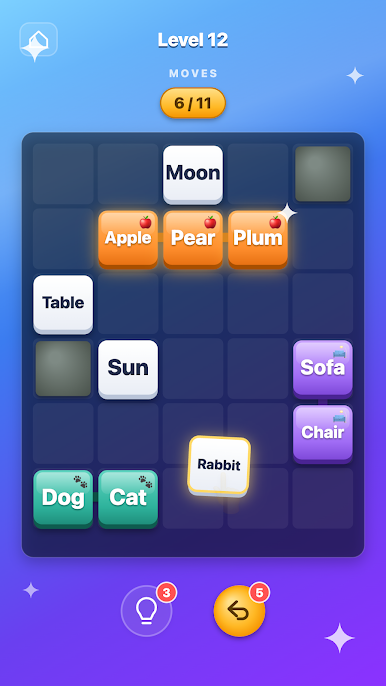
Dive into a world where the usual blocks are replaced with word tiles. Every level starts with a tricky layout: slide the tiles, match words to the right categories and clear the board. Real logic puzzles to train your memory and thinking.
Need a break to clear your head? Every move counts here. Analyze the layout, plan your strategy and group the words correctly to beat the level.
WHY PLAY WORD SLIDE - ASSOCIATIONS?
UNIQUE SLIDING PUZZLE
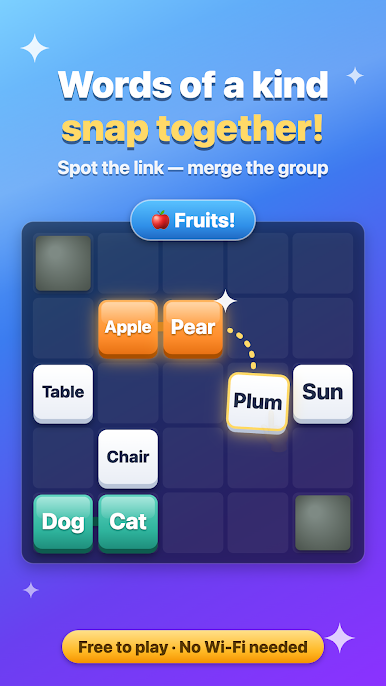
A mix of the classic block puzzle with word brain teasers. Words of one category snap together and move as one piece!
BRAIN TRAINING
Solve puzzles and sharpen your logic and memory with every level.
CATEGORIES AND ASSOCIATIONS
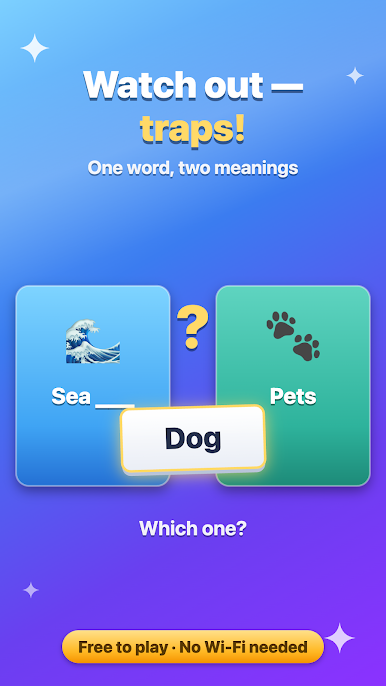
Group related words and discover hidden associations. Careful: one word can have two meanings — is "Dog" a pet or a Sea Dog?
WORD CHAINS
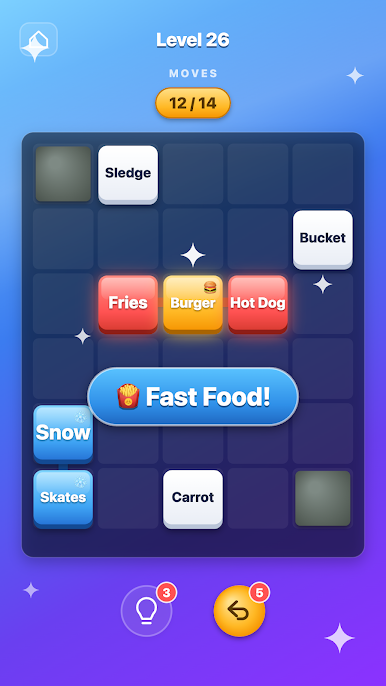
Merge words into objects and objects into categories: Patty, Ketchup and Bun build a Burger — and the Burger completes Fast Food!
RELAXING GAMEPLAY
A calm puzzle to unwind and enjoy at your own pace.
OFFLINE, NO INTERNET
No WiFi needed. Play anywhere, anytime.
If you enjoy word games, crosswords or sliding block puzzles, this free brain teaser will become your new favorite.
Download Word Slide - Associations and start your adventure today.
Play Word Slide - Associations on PC. It’s easy to get started.
-
Download and install BlueStacks on your PC
-
Complete Google sign-in to access the Play Store, or do it later
-
Look for Word Slide - Associations in the search bar at the top right corner
-
Click to install Word Slide - Associations from the search results
-
Complete Google sign-in (if you skipped step 2) to install Word Slide - Associations
-
Click the Word Slide - Associations icon on the home screen to start playing


