


Charmscape Jigsaw - HD Puzzle
BlueStacksを使ってPCでプレイ - 5憶以上のユーザーが愛用している高機能Androidゲーミングプラットフォーム

概要
🧩 Game Features:
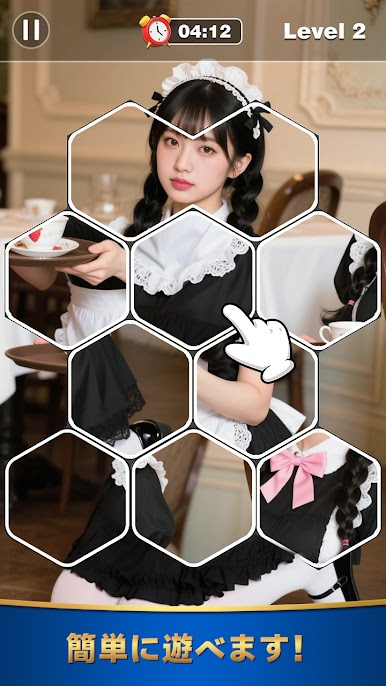
Gorgeous Mosaic Artwork: Each puzzle is filled with vibrant, enchanting details designed to delight.
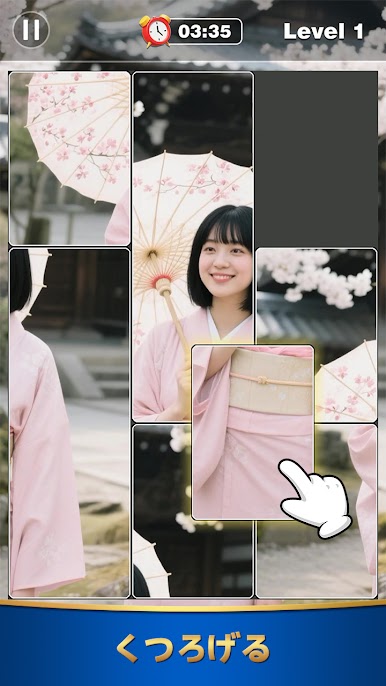
Relaxing & Engaging Gameplay: Enjoy smooth drag-and-drop mechanics that make completing puzzles satisfying and calming.
Variety of Scenes: From dreamy landscapes to charming cityscapes, explore a world full of artistic wonder.
Progressive Challenge: Start easy and gradually unlock more complex puzzles to test your skills.
Offline Play: Play anywhere, anytime — no internet required.
Whether you're a casual puzzler or a seasoned jigsaw lover, Charmscape Jigsaw is your perfect escape into a world of beauty and brain-teasing fun. Download now and start piecing together your perfect moment of peace.
Privacy policy: https://www.charm-scape-jigsaw.com/privacy-policy.html



Charmscape Jigsaw - HD PuzzleをPCでプレイ
-
BlueStacksをダウンロードしてPCにインストールします。
-
GoogleにサインインしてGoogle Play ストアにアクセスします。(こちらの操作は後で行っても問題ありません)
-
右上の検索バーにCharmscape Jigsaw - HD Puzzleを入力して検索します。
-
クリックして検索結果からCharmscape Jigsaw - HD Puzzleをインストールします。
-
Googleサインインを完了してCharmscape Jigsaw - HD Puzzleをインストールします。※手順2を飛ばしていた場合
-
ホーム画面にてCharmscape Jigsaw - HD Puzzleのアイコンをクリックしてアプリを起動します。


