


Offroad Hop
Play on PC with BlueStacks – the Android Gaming Platform, trusted by 500M+ gamers.

Page Modified on: Nov 7, 2026
Overview
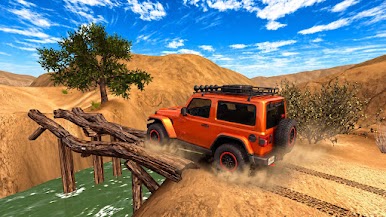
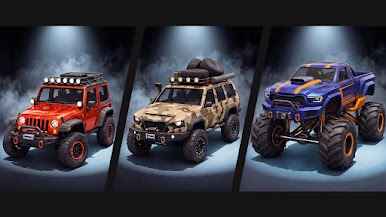
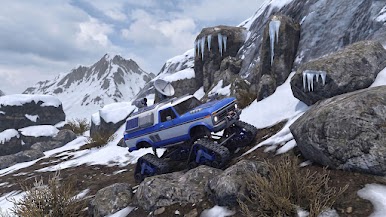
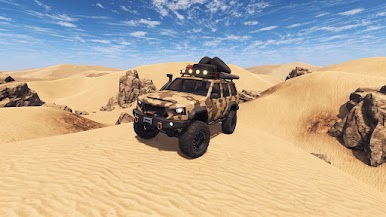
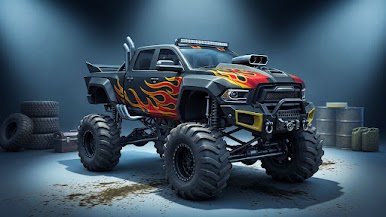
You will face multiple challenges in diverse climbing environments while driving a wide selection of trucks. You can take control of authentic monster trucks, each with unique engines, speed, handling and brake parameters. Race across perilous roads to finish the competition and reach the finish line as fast as possible to hit your goal.
Play Offroad Hop on PC. It’s easy to get started.
-
Download and install BlueStacks on your PC
-
Complete Google sign-in to access the Play Store, or do it later
-
Look for Offroad Hop in the search bar at the top right corner
-
Click to install Offroad Hop from the search results
-
Complete Google sign-in (if you skipped step 2) to install Offroad Hop
-
Click the Offroad Hop icon on the home screen to start playing


