


iDrama – Short Dramas & Reels
Play on PC with BlueStacks – the Android Gaming Platform, trusted by 500M+ gamers.

Page Modified on: Oct 28, 2026
Overview
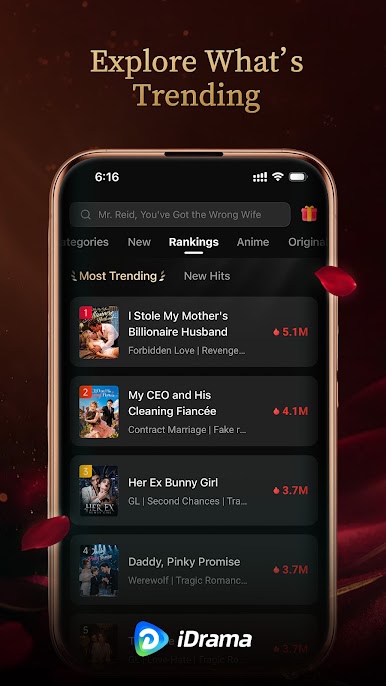
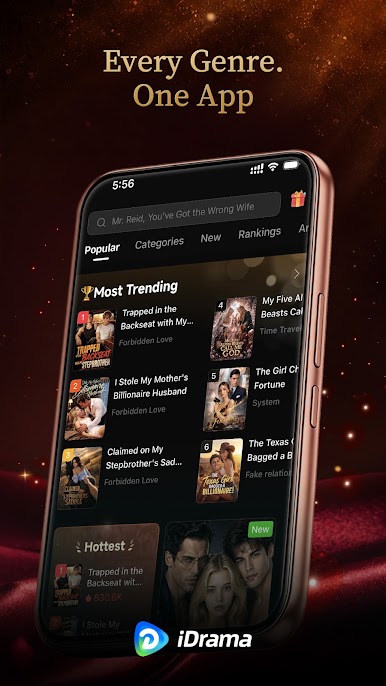
Explore a growing collection of short drama series with fast-moving plots, easy-to-follow subtitles, and cliffhangers that make every episode exciting. Whether you love sweet romance, hidden identities, dramatic comebacks, palace intrigue, workplace power plays, fantasy, or comedy, your next story is waiting on iDrama.
WHY VIEWERS CHOOSE IDRAMA
- Original Short Dramas and Mini Series
- Romance, Revenge, CEO Stories, Suspense, Fantasy, and More
- Quick Episodes Made for Anytime Viewing
- Personalized Drama Recommendations
- New Stories and Episodes Added to the Collection
Open iDrama and find your next must-watch short drama series.
SUBSCRIPTION INFORMATION
- Payment will be charged to your Google Play account after purchase confirmation.
- Subscriptions renew automatically unless canceled before the next renewal date.
- You can manage or cancel your subscription in the Subscriptions section of Google Play.
- During an active subscription, you can access the content and benefits included in your selected plan. Available content may vary by plan and region.
User Agreement: https://www.idrama.video/useragreement.html
Privacy Policy: https://www.idrama.video/privacypolicy.html
Official Website: https://www.idrama.video
Support: [email protected]



Play iDrama – Short Dramas & Reels on PC. It’s easy to get started.
-
Download and install BlueStacks on your PC
-
Complete Google sign-in to access the Play Store, or do it later
-
Look for iDrama – Short Dramas & Reels in the search bar at the top right corner
-
Click to install iDrama – Short Dramas & Reels from the search results
-
Complete Google sign-in (if you skipped step 2) to install iDrama – Short Dramas & Reels
-
Click the iDrama – Short Dramas & Reels icon on the home screen to start playing


