


News Home: The News You Need
Play on PC with BlueStacks – the Android Gaming Platform, trusted by 500M+ gamers.

Page Modified on: Jul 23, 2025
Overview
Designed with You in Mind
Search
By clicking “install”, I accept and agree to install News Home and setting the application’s search functionality to that provided by the service and the Terms of Use and Privacy Policy. The app will update your search settings and will change your homescreen search experience to use Yahoo.
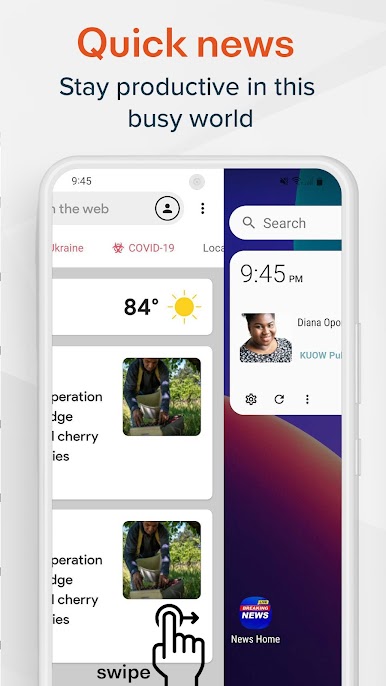
Get to your news even quicker by simply swiping right from your home screen.
News Home is designed to be extremely user-friendly with easy to navigate screens.
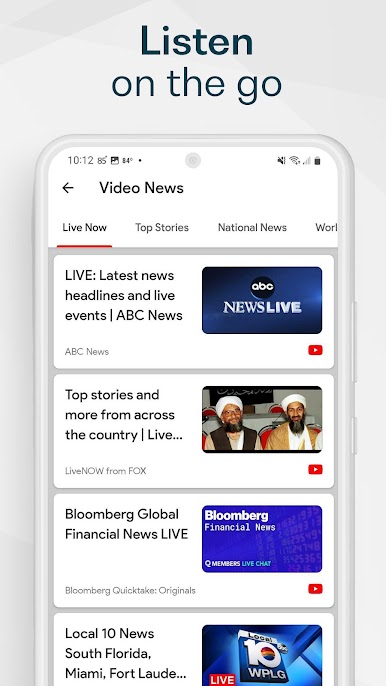
It includes an optimal on-screen reading experience with video news included.
First to Know
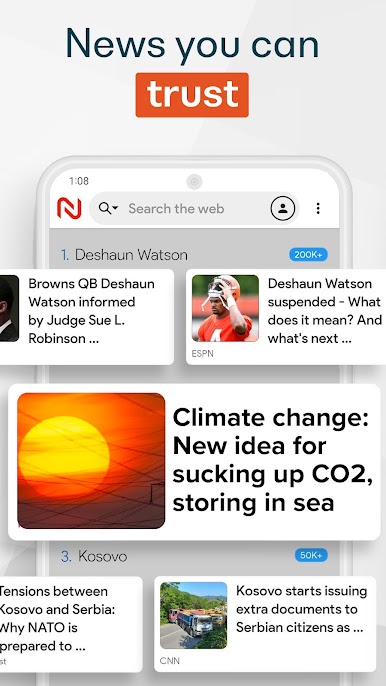
We know that breaking news is more relevant than others and deserves to be known first.
Our application provides you with breaking news so you’re the first to see top incidents and events.
Enable the notifications feature to ensure you do not miss any important news.
Share information directly from the app to notify your friends, family, and loved ones immediately.
Your News, Your Way
Everyone has different interests so browse from a variety of categories, such as current events, election, health, business, entertainment, sports, technology, lifestyle, science, and more.
Consume the news the way you want, whether you want to read it, watch video news content or share news with your friends and family.
Discover and Add Your Favorite Sources
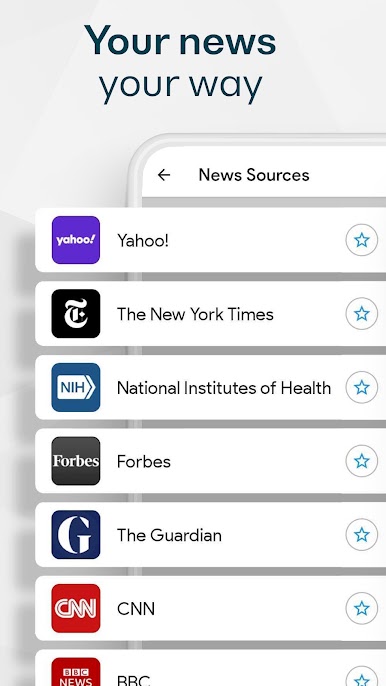
Choose from your favorite trusted sources and news channels.
From CNN, The New York Times, Fox News, NBC, MSNBC and so many others- customize your list of news sources and add to your favorites.
Included in this launcher are hand selected games, weather reports and videos for your enjoyment.
* News Home uses device Accessibility permissions to lock the screen when an in-app gesture is performed. This is optional and disabled by default.


Play News Home: The News You Need on PC. It’s easy to get started.
-
Download and install BlueStacks on your PC
-
Complete Google sign-in to access the Play Store, or do it later
-
Look for News Home: The News You Need in the search bar at the top right corner
-
Click to install News Home: The News You Need from the search results
-
Complete Google sign-in (if you skipped step 2) to install News Home: The News You Need
-
Click the News Home: The News You Need icon on the home screen to start playing


