


Logo Quiz - Trivia Game
Play on PC with BlueStacks – the Android Gaming Platform, trusted by 500M+ gamers.

Page Modified on: Oct 19, 2026
Overview
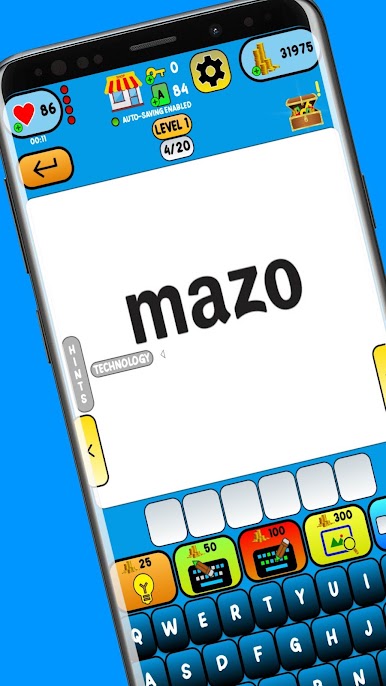
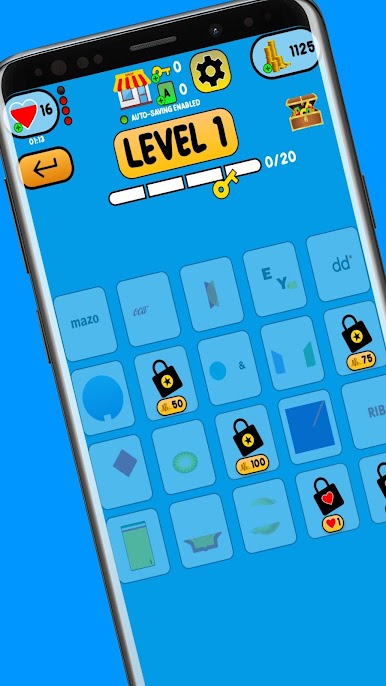
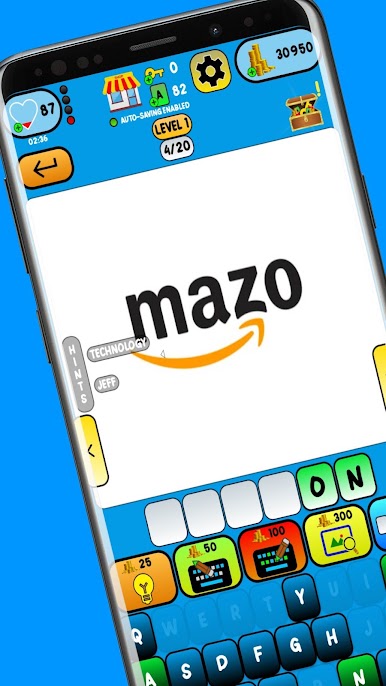
*Test your brand recognition skills by guessing popular brands and company logos.
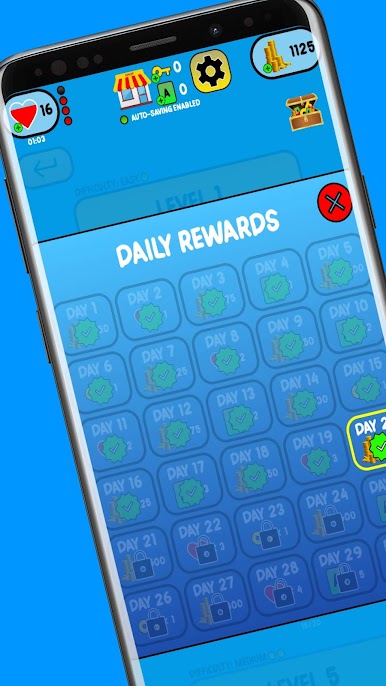
*Earn coins by correctly guessing logos and receive daily rewards.
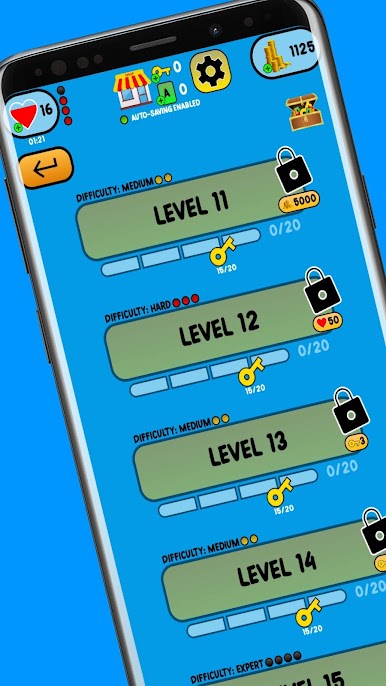
*Use your coins to unlock levels, and purchase Boosts and Hints when you get stuck.
*Our Boosts and Hints include 4 facts or hints per logo, erase incorrect keyboard buttons, mark correct keyboard buttons, reveal more logo or add correct letter in the right place.
*Lives regenerate automatically, so you can keep playing without interruption.
*Complete unique levels with varying levels of difficulty.
*And don't worry about losing progress — it is automatically saved across all your devices.
*Our app features new levels added frequently to keep the gameplay fresh and challenging.
We value your feedback and suggestions. If you have any ideas or concerns, please do not hesitate to contact us via email at [email protected]. Thank you for your support.
All logos shown or represented in this game are copyright and/or trademark of their respective corporations. The use of low-resolution images in this app for use of identification in an informational context qualifies as fair use under copyright law.
Play Logo Quiz - Trivia Game on PC. It’s easy to get started.
-
Download and install BlueStacks on your PC
-
Complete Google sign-in to access the Play Store, or do it later
-
Look for Logo Quiz - Trivia Game in the search bar at the top right corner
-
Click to install Logo Quiz - Trivia Game from the search results
-
Complete Google sign-in (if you skipped step 2) to install Logo Quiz - Trivia Game
-
Click the Logo Quiz - Trivia Game icon on the home screen to start playing


