


Offroad Survival Expedition
Play on PC with BlueStacks – the Android Gaming Platform, trusted by 500M+ gamers.

Page Modified on: Nov 11, 2026
Overview
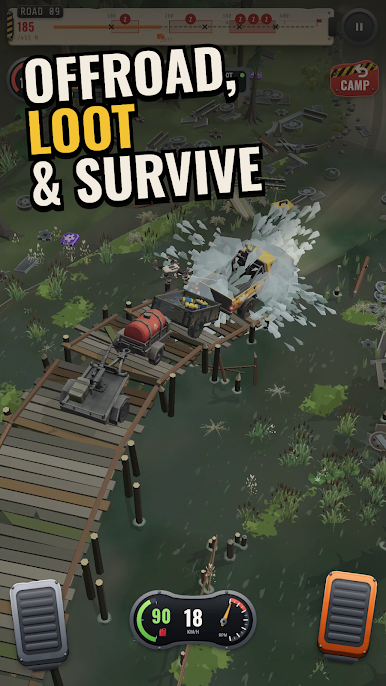
DRIVE THE WILDS
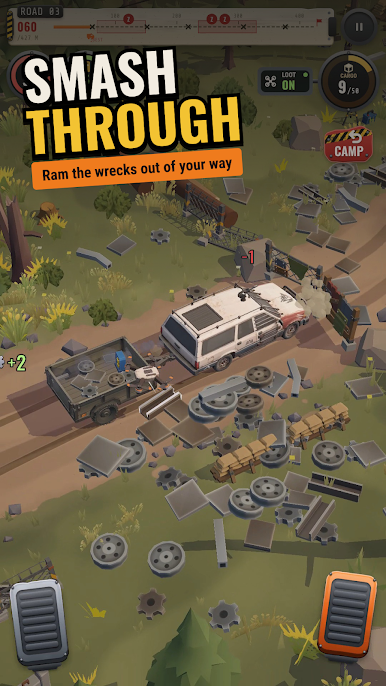
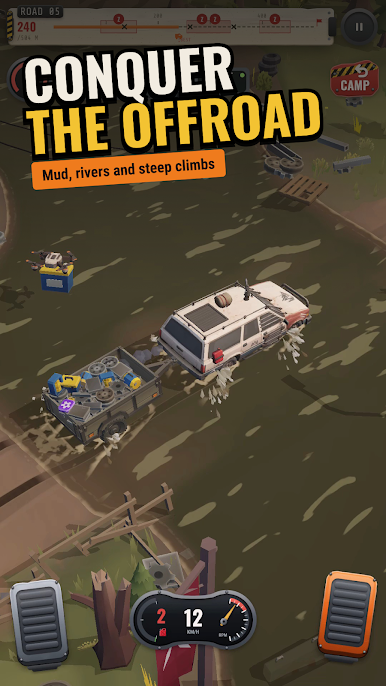
Hold the gas and keep your caravan moving through mud, deep water, plank bridges and steep climbs. Ram roadblocks and junk out of the way and keep your speed.
BUILD YOUR CARAVAN
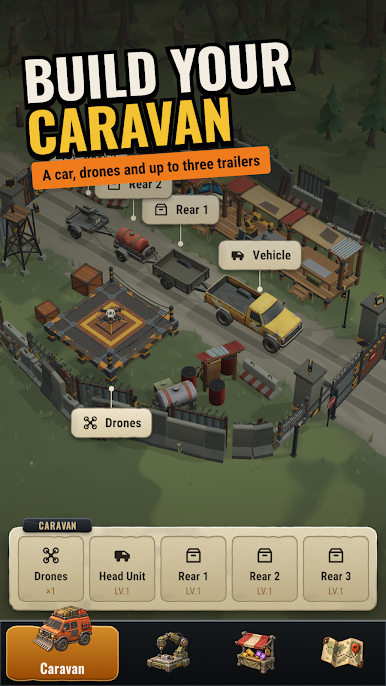
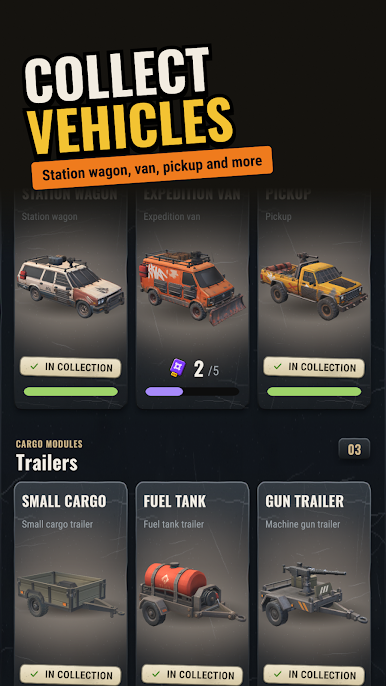
Pick a station wagon, an expedition van or a pickup, then hitch up to three trailers: extra cargo, a fuel tank or a machine-gun trailer that mows down zombies on the road.
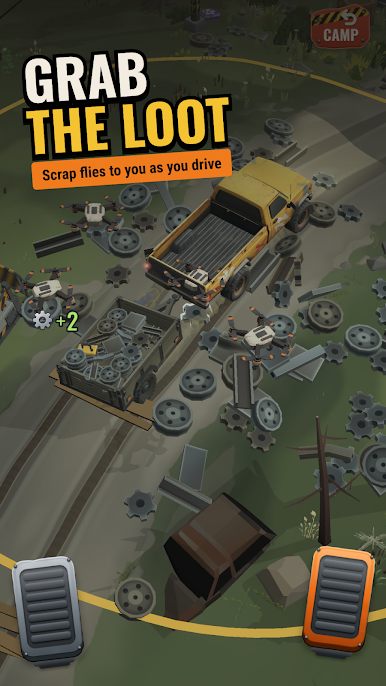
DRONES GRAB THE LOOT
Drones fly out and bring scrap back to you as you drive. Fill the cargo, return to camp and spend it.
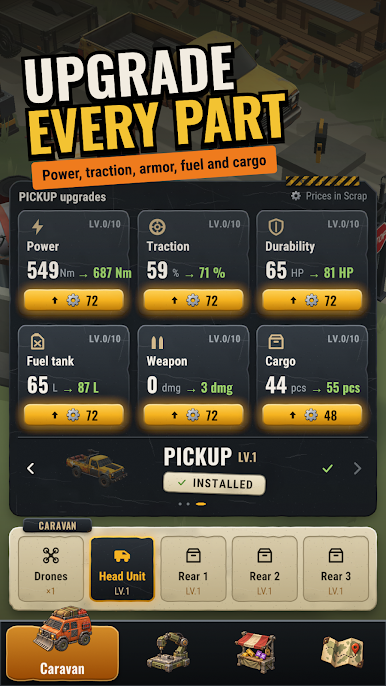
UPGRADE EVERY PART
Power, traction, durability, fuel, cargo and weapons — tune every vehicle and trailer for the road ahead.
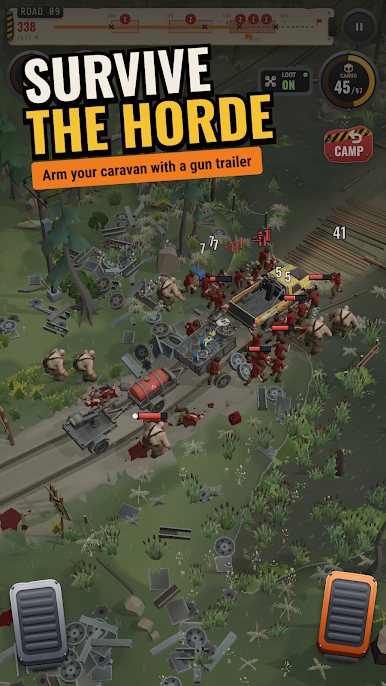
SURVIVE THE HORDE
Zombies swarm the forest roads. Arm the caravan, keep moving and never stop in the middle of the horde.
FROM FOREST TO SWAMP
Push from the forest edge deep into the flooded swamp. Every road is tougher than the last.
FEATURES
• Physics-based off-road driving with simple two-pedal controls
• Three vehicles and three types of trailers to collect and combine
• Drones that collect loot on the move
• Roadblocks, floods, plank bridges and zombie hordes
• Deep upgrades for every part of your caravan
Play Offroad Survival Expedition on PC. It’s easy to get started.
-
Download and install BlueStacks on your PC
-
Complete Google sign-in to access the Play Store, or do it later
-
Look for Offroad Survival Expedition in the search bar at the top right corner
-
Click to install Offroad Survival Expedition from the search results
-
Complete Google sign-in (if you skipped step 2) to install Offroad Survival Expedition
-
Click the Offroad Survival Expedition icon on the home screen to start playing


