


Fruit Merge Launcher
Play on PC with BlueStacks – the Android Gaming Platform, trusted by 500M+ gamers.

Page Modified on: Nov 2, 2026
Play Fruit Merge Launcher on PC
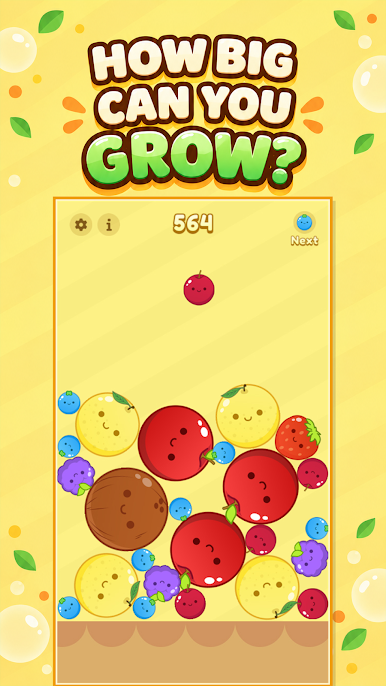
🎯 How large can your fruit grow? Combine small fruits, build satisfying chain reactions, and work your way toward the ultimate giant fruit. Reaching it takes patience, clever placement, and a winning strategy. Do you have what it takes?
Game Features:
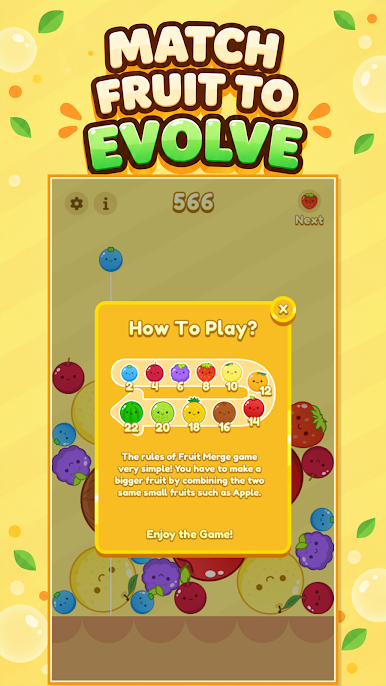
- Juicy Merging Fun 🍒: Match identical fruits and watch them transform into larger ones.
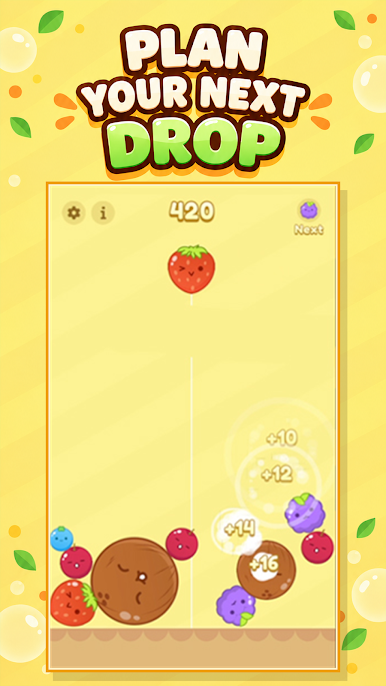
- Strategic Puzzle Gameplay 🧠: Choose where to drop each fruit and make the most of the available space.
- Satisfying Discoveries 🔄: Unlock bigger and more exciting fruits with every successful merge.
- Easy to Play, Hard to Master 🎮: Simple controls make it easy to begin, while every round offers a fresh challenge.
- Relaxing and Addictive 😄: Enjoy bright visuals, rewarding combinations, and endless fruit-filled fun.
Get ready to drop, match, and merge your way to an incredible high score! 🚀 Create powerful combos, keep the container under control, and see if you can produce the biggest fruit of them all. Start your delicious puzzle adventure today! 🌟



Play Fruit Merge Launcher on PC. It’s easy to get started.
-
Download and install BlueStacks on your PC
-
Complete Google sign-in to access the Play Store, or do it later
-
Look for Fruit Merge Launcher in the search bar at the top right corner
-
Click to install Fruit Merge Launcher from the search results
-
Complete Google sign-in (if you skipped step 2) to install Fruit Merge Launcher
-
Click the Fruit Merge Launcher icon on the home screen to start playing


