


Goonite
Play on PC with BlueStacks – the Android Gaming Platform, trusted by 500M+ gamers.

Page Modified on: Oct 21, 2026
Play Goonite on PC
Find Your People, Your Way
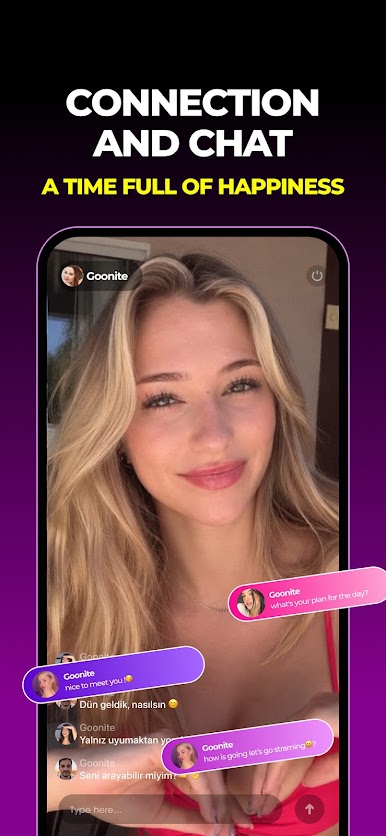
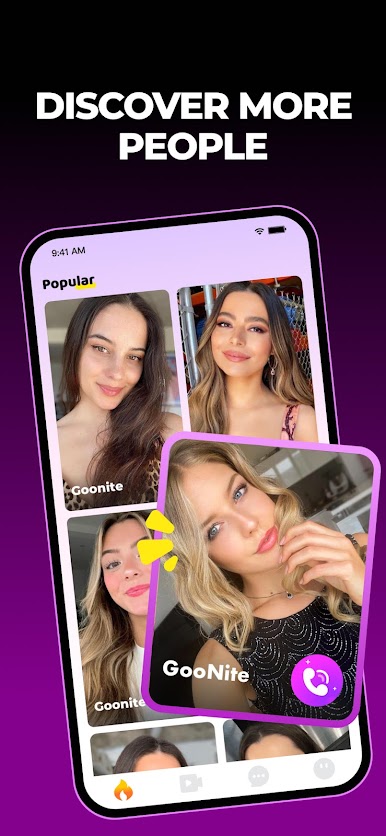
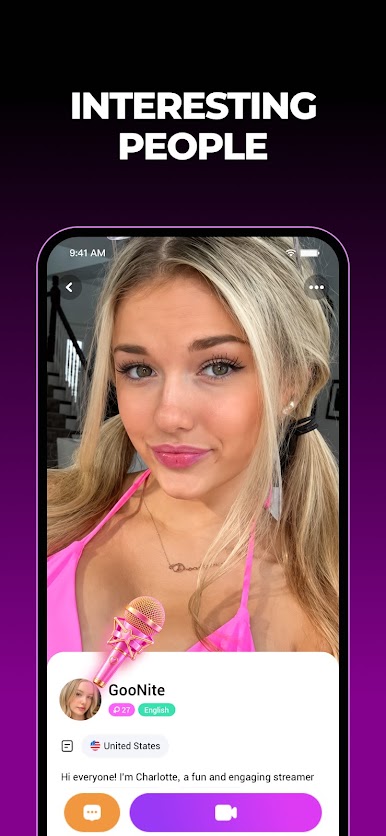
Goonite isn’t just another social app—it’s your gateway to a world of real people, shared passions, and unforgettable moments. Whether you’re swiping through profiles, laughing over live video, or chatting across languages, every connection here feels like serendipity.
What Makes LitNow Unique:
🌐 Your Passions, Global Reach
Swipe on profiles that reflect real interests—from music to travel, gaming to cultural exchange. Match with locals or global souls who truly vibe with you.
📹 Live Video, Real Chemistry
No scripts, no filters. Dive into spontaneous video calls with fascinating people nearby or oceans away. Share stories, learn traditions, or just enjoy the moment—it’s all unapologetically real.
🔍 Authenticity First
No bots, no ghosts. Just genuine humans ready to chat, video call, or geek out over shared obsessions.
💡 Chat Without Borders
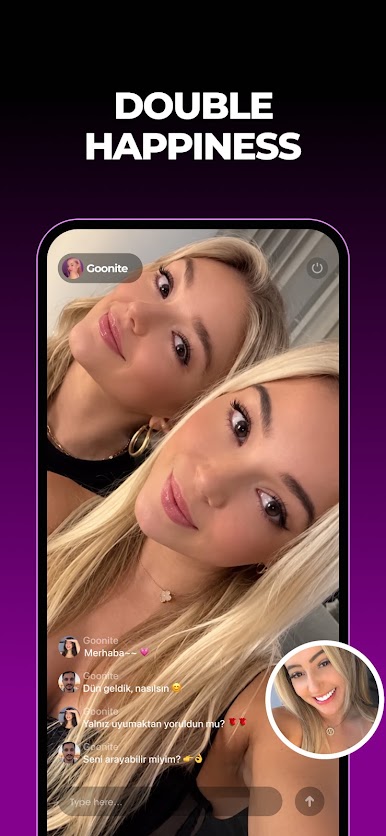
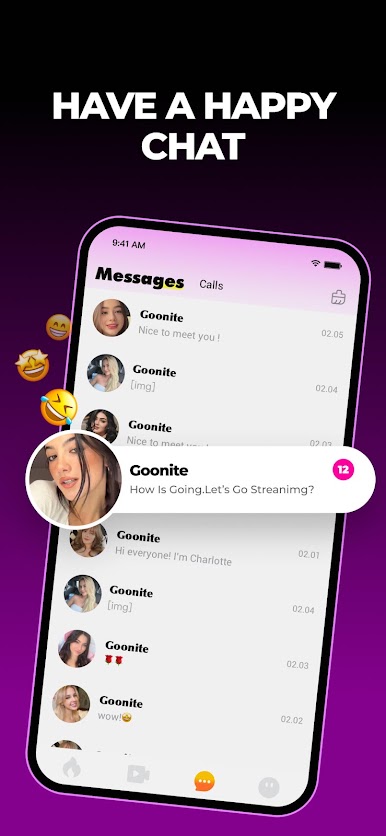
Speak your language, read theirs. With Goonite's auto-translate, every message you receive is instantly translated to your preferred language—breaking down barriers without missing a beat.
Ready to Meet the World?
Join sharing laughs, languages, and live moments. Download Goonite — where every swipe writes a new chapter. 🌟
🔐 We prioritize your privacy
View our full policies:
[Privacy Policy]:https://unity.litnowc.com/litnow/privacy-policy.html
[User Agreement]:https://unity.litnowc.com/litnow/terms-of-use.html
Play Goonite on PC. It’s easy to get started.
-
Download and install BlueStacks on your PC
-
Complete Google sign-in to access the Play Store, or do it later
-
Look for Goonite in the search bar at the top right corner
-
Click to install Goonite from the search results
-
Complete Google sign-in (if you skipped step 2) to install Goonite
-
Click the Goonite icon on the home screen to start playing


