


WendyQuest
Play on PC with BlueStacks – the Android Gaming Platform, trusted by 500M+ gamers.

Page Modified on: Nov 10, 2026
Play WendyQuest on PC
From Wendy’s & 81Monkeys comes WendyQuest: Legend of the Four Corner Stones, a classic RPG adventure where you earn real food as you play.
Dr. Mechborg and his mechs have spread a curse called “Mechtosis” across Savoria using soggy fries, frozen beef & other culinary atrocities. Only Wendy - armed with sacred spatulas, fresh beef, and an ancient prophecy - can restore order to Savoria’s people and end the mechademic once and for all.
--------
KEY FEATURES:
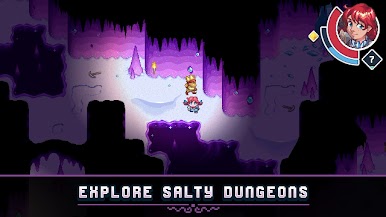
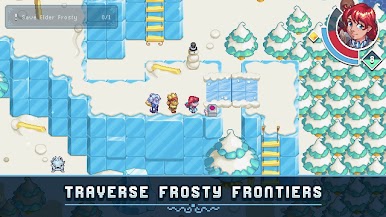
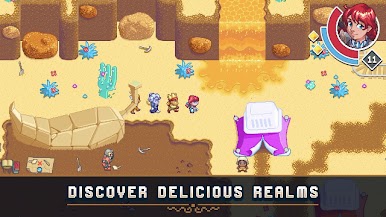
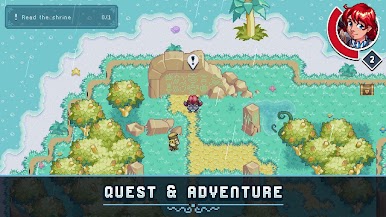
QUEST across five food-themed regions of Savoria.
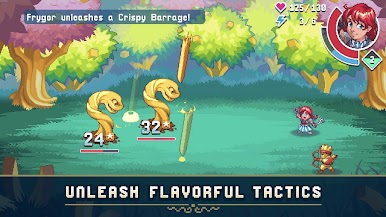
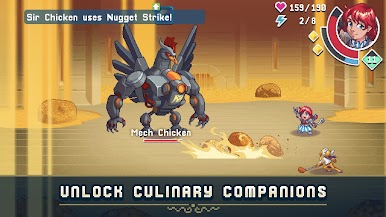
BATTLE flavorless foes in strategic turn-based combat.
COMMAND culinary companions with special abilities.
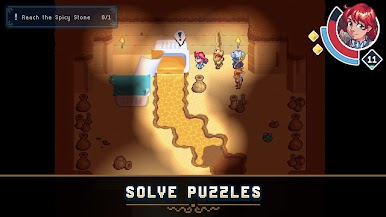
SOLVE fresh, never-frozen puzzles.
CONQUER 5 unique Mech Bosses.
EARN rewards you can eat IRL.

Play WendyQuest on PC. It’s easy to get started.
-
Download and install BlueStacks on your PC
-
Complete Google sign-in to access the Play Store, or do it later
-
Look for WendyQuest in the search bar at the top right corner
-
Click to install WendyQuest from the search results
-
Complete Google sign-in (if you skipped step 2) to install WendyQuest
-
Click the WendyQuest icon on the home screen to start playing


