


Piano Kids - Music & Songs
Play on PC with BlueStacks – the Android Gaming Platform, trusted by 500M+ gamers.

Page Modified on: Nov 12, 2026
Overview
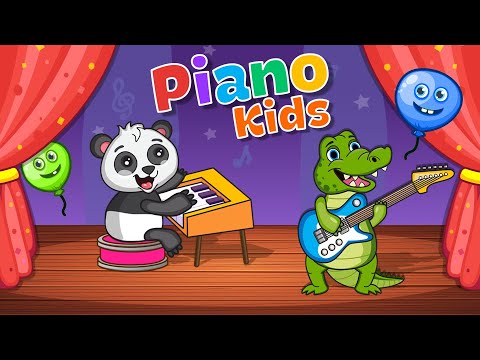
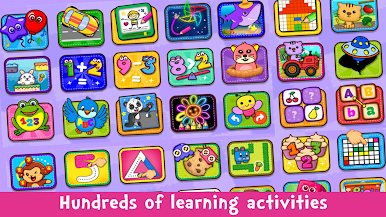
Over 150 educational activities for learning through play. Piano Kids is a fun app for children of all ages, combining music, fun musical instruments, nursery rhymes, sounds, puzzles, memory games, logic, math, letters, numbers, drawing, and coloring all in one app.
Designed to stimulate learning, develop creativity, imagination, and concentration in a fun way.
Main features:
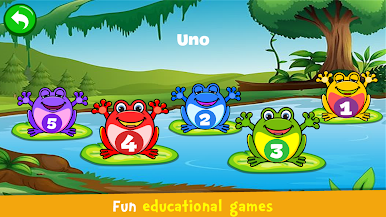
• Over 150 fun and educational mini-games for children of all ages—an ideal resource for preschoolers—covering topics such as music, logic, creativity, addition, subtraction, counting, greater than/less than, sizes, geometric shapes, puzzles, human body parts, sequencing exercises, memory tasks, and many other engaging activities. Themes include Halloween, Christmas, princesses, animals, pets, toys, and much more.
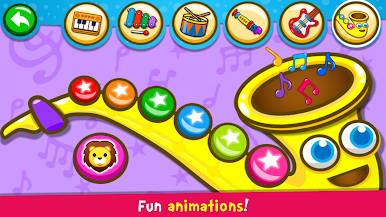
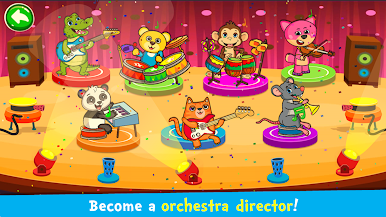
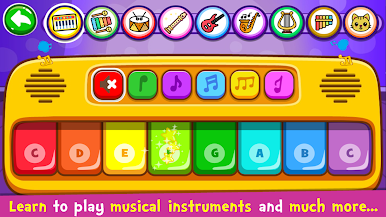
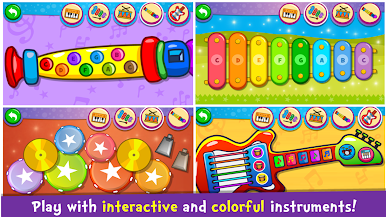
• Discover the world of music: children can experience more than 10 musical instruments: piano, guitar, drums, xylophone, saxophone, flute, harmonica, harp, and many more.
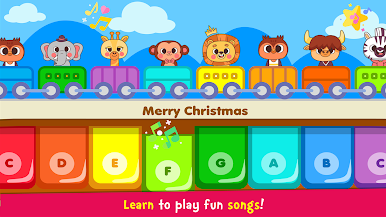
• Learn over 30 children's songs: learn to play the notes step by step using a simple and intuitive system accompanied by animated characters. Children develop rhythm, coordination, and musical ear while they play.
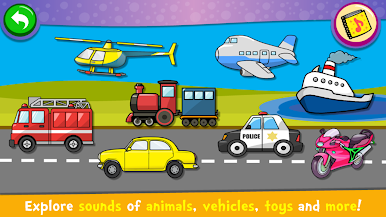
• Learn with over 300 sounds and images: children can explore and learn to identify animals, vehicles, letters, numbers, colors, flags, geometric shapes, objects, and much more.
Why do millions of families choose Piano Kids?
• Over 150 educational games
• Over 300 sounds and images
• Over 10 musical instruments
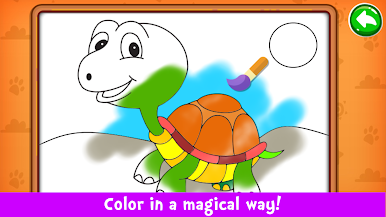
• Drawing and coloring activities
• Intuitive and very easy to use
• Ideal for children ages 2 to 8
The best way to learn and have fun as a family. It is a great help for children of all ages (babies, toddlers and preschoolers), as it will stimulate them and allow them to improve motor skills (fine motor skills), coordination, creativity, concentration, sensory and speech skills.
Play Piano Kids - Music & Songs on PC. It’s easy to get started.
-
Download and install BlueStacks on your PC
-
Complete Google sign-in to access the Play Store, or do it later
-
Look for Piano Kids - Music & Songs in the search bar at the top right corner
-
Click to install Piano Kids - Music & Songs from the search results
-
Complete Google sign-in (if you skipped step 2) to install Piano Kids - Music & Songs
-
Click the Piano Kids - Music & Songs icon on the home screen to start playing


