


Love and Deepspace
Play on PC with BlueStacks – the Android Gaming Platform, trusted by 500M+ gamers.

Page Modified on: Oct 29, 2026
Play Love and Deepspace on PC or Mac
Play Love and Deepspace by InFold Pte. Ltd. on PC or Mac with BlueStacks. Use a bigger screen, mouse and keyboard controls, and smoother performance while you play.
About the Game
Love and Deepspace blends star-crossed romance with high-stakes sci-fi drama, putting you right in the middle of both. This Simulation lets you see, hear, and feel each moment up close through cinematic first-person scenes, tender interactions, and story beats that matter. Prefer playing on a bigger screen? It feels especially immersive on BlueStacks.
Game Features
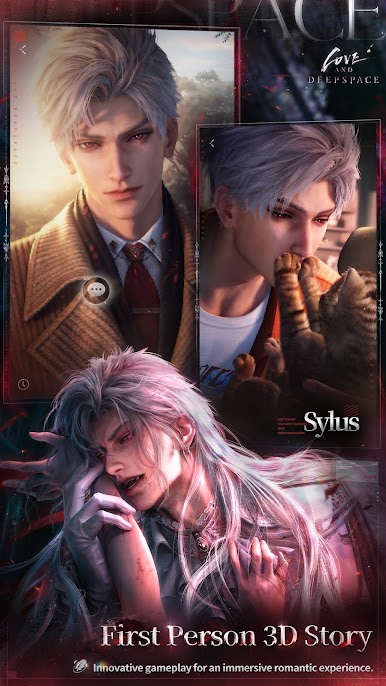
- First-Person Romance in Full 3D: Slip into intimate, real-time scenes where you’re face-to-face with him—close enough to catch a breath, a glance, or that pause before a confession.
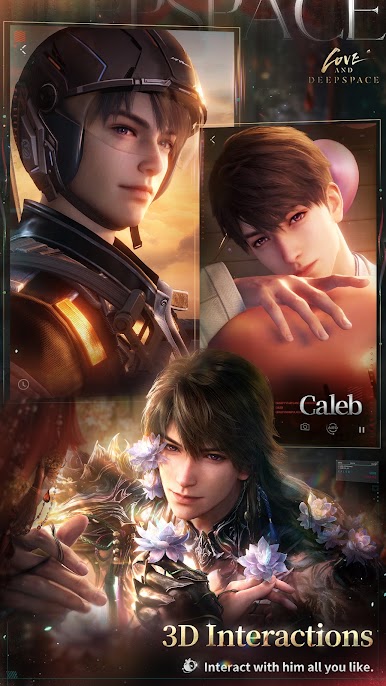
- Lifelike Reactions and Dates: Your choices shape how he responds, from playful teasing to heartfelt moments, complete with sweet voice notes and one-of-a-kind date sequences.
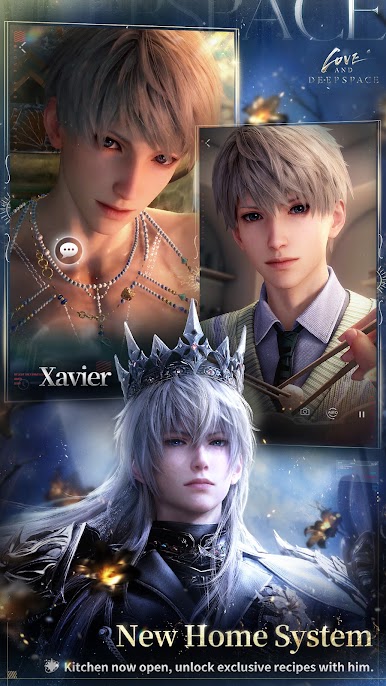
- Cozy Home & Cooking Together: Invite him over to a space you’ve decorated, pick up ingredients, cook side by side, and unlock special recipes that add new flavors to your story.
- Photobooth & AR Memories: Use the upgraded photobooth—now with AR—to place him in everyday scenes and snap keepsakes that feel like he’s right there with you.
- Mini-Games & Everyday Hangouts: Play Kitty Cards, face off at the claw machine, line up Snapshots to track your mood, or simply study, work, and exercise together for low-key, feel-good time.
- Team Up Against the Unknown: As a Deepspace Hunter, battle mysterious alien threats alongside your love interests while uncovering secrets that tie your fates to humanity’s future.
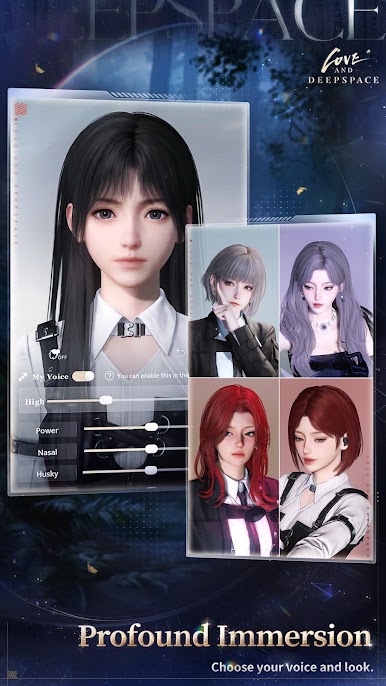
- Make the MC Truly Yours: Customize everything—face details, makeup, style, even voice timbre. A smart face-crafting tool can transform your photo into a lookalike avatar, so you can step into Linkon City as you.
BlueStacks gives you more room to focus on the game and less time adjusting around mobile limitations.



Play Love and Deepspace on PC. It’s easy to get started.
-
Download and install BlueStacks on your PC
-
Complete Google sign-in to access the Play Store, or do it later
-
Look for Love and Deepspace in the search bar at the top right corner
-
Click to install Love and Deepspace from the search results
-
Complete Google sign-in (if you skipped step 2) to install Love and Deepspace
-
Click the Love and Deepspace icon on the home screen to start playing


