


Caravan Adventure
Play on PC with BlueStacks – the Android Gaming Platform, trusted by 500M+ gamers.

Page Modified on: Nov 8, 2026
Play Caravan Adventure on PC
WHAT YOU DO
- Drive and explore: tap the road and Biscotte drives there, or use the joystick. Get out and walk anywhere.
- Scan and collect: reveal hidden scrap, planks, seeds, shells and keepsakes. Open trunks, shake fruit trees, pick berries and mushrooms.
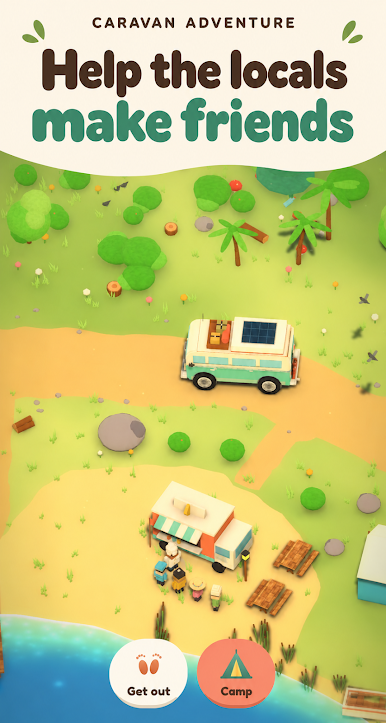
- Help the locals: story quests and daily requests in every valley. Each helped local gives you a star, collect enough to open the road to the next valley.
- Fix up Biscotte: garage upgrades (fuel tank, suspension, engine, off-road wheels, tow hitch, winch, snow chains) and a cozy home inside the van.
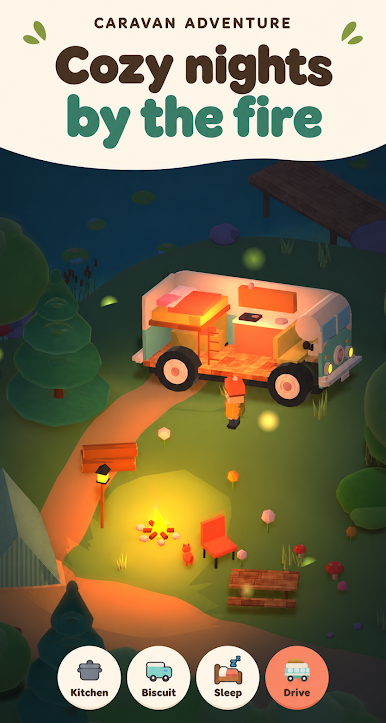
- Camp anywhere: unfold a tent, campfire, garden beds and a hen pen wherever you stop.
- Garden, hens and kitchen: plant seeds, collect eggs, and cook more than 20 recipes, from fish tacos to pumpkin pie.
- Fish lakes, ponds, the sea and a frozen lake, some fish only bite after dark.
- Live a full day and night cycle, with golden sunsets, fireflies and lanterns.
- Capture your trip in photo mode, and complete collections and badges in every valley.
FIVE HAND-MADE VALLEYS
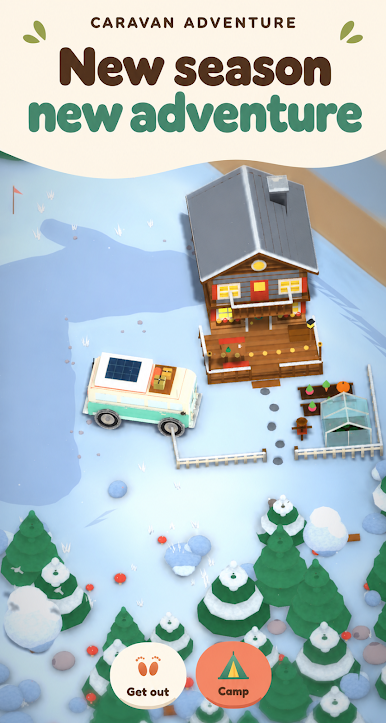
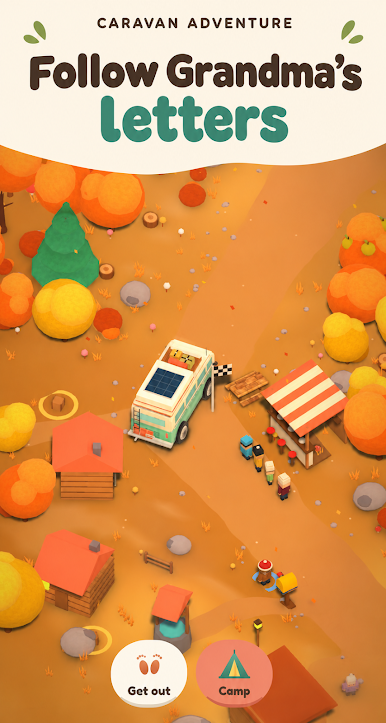
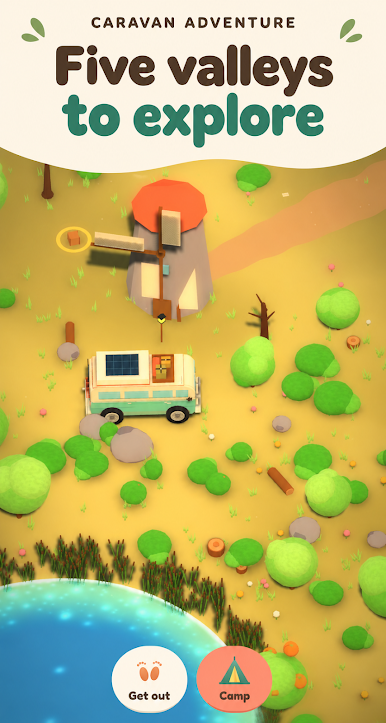
Pine Valley's pine forests and blue lake. Rusty Plains' golden fields and windmills. The sunny Coast with its lighthouse and food truck. Fox Valley in autumn, guided by Pirate the fox. And the snowy White Pass, where Grandpa Mattéo's chalet waits at the top.
A heartfelt family story told through letters, at your own pace, warm, gentle and never stressful. No combat, no timers that punish, no rush: relax and explore in short sessions, one hand, portrait.
A cozy game for ages 8 and up.

Play Caravan Adventure on PC. It’s easy to get started.
-
Download and install BlueStacks on your PC
-
Complete Google sign-in to access the Play Store, or do it later
-
Look for Caravan Adventure in the search bar at the top right corner
-
Click to install Caravan Adventure from the search results
-
Complete Google sign-in (if you skipped step 2) to install Caravan Adventure
-
Click the Caravan Adventure icon on the home screen to start playing


