


Wordmere: Cozy Word Puzzles
Play on PC with BlueStacks – the Android Gaming Platform, trusted by 500M+ gamers.

Page Modified on: Oct 17, 2026
Play Wordmere: Cozy Word Puzzles on PC or Mac
Play Wordmere: Cozy Word Puzzles by Bluff & Co. on PC or Mac with BlueStacks. Use a bigger screen, mouse and keyboard controls, and smoother performance while you play.
About the Game
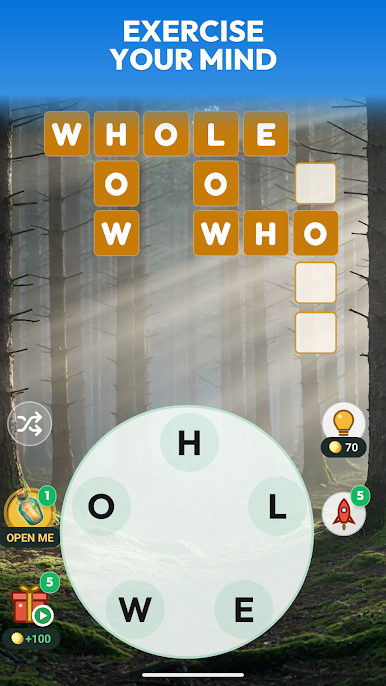
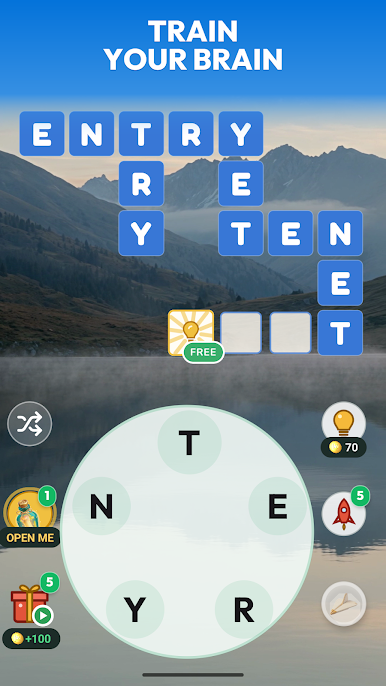
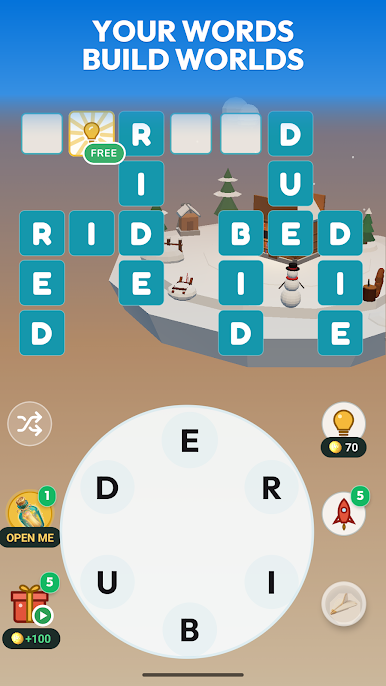
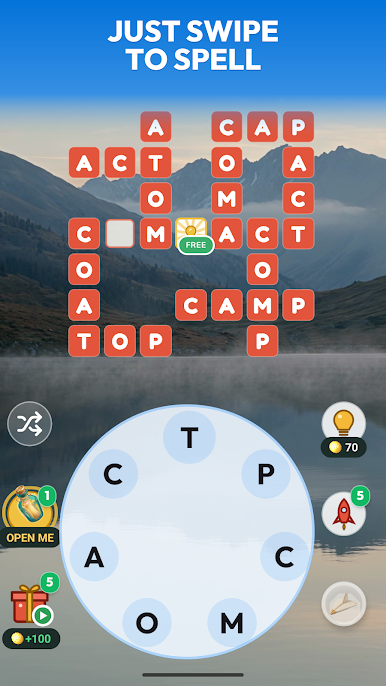
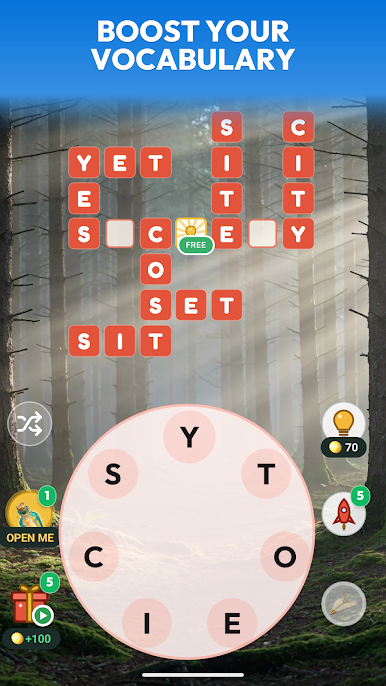
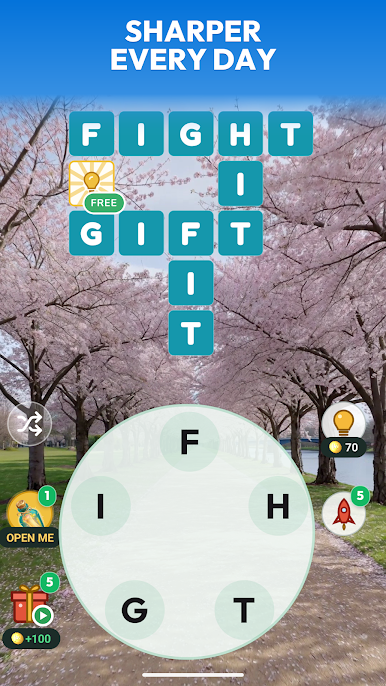
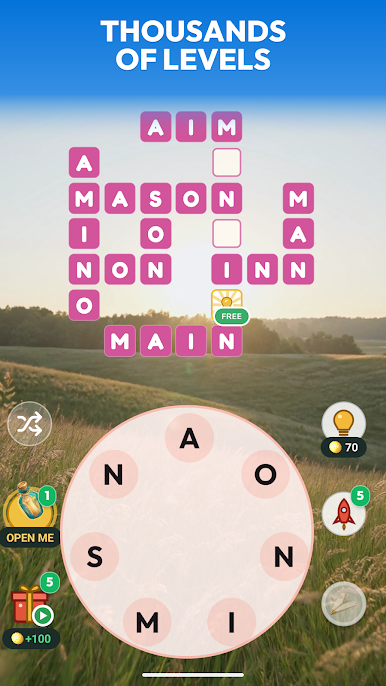
Wordmere: Cozy Word Puzzles is a calm, build-as-you-play experience where every solved word adds something charming to a tiny 3D world. You’ll swipe through a letter wheel, fill a crossword-style grid, and watch cottages, lanterns, and gardens pop up as your scene comes to life. Genre: Word. No timers, no pressure—just a peaceful pace that fits a quick break or a longer unwind. Prefer a bigger screen? It plays nicely on BlueStacks without getting in the way.
Game Features
- Build-as-you-solve worlds: Each completed grid adds a new piece to your scene—think warm cottages, glowing lanterns, and blooming gardens that grow with every puzzle.
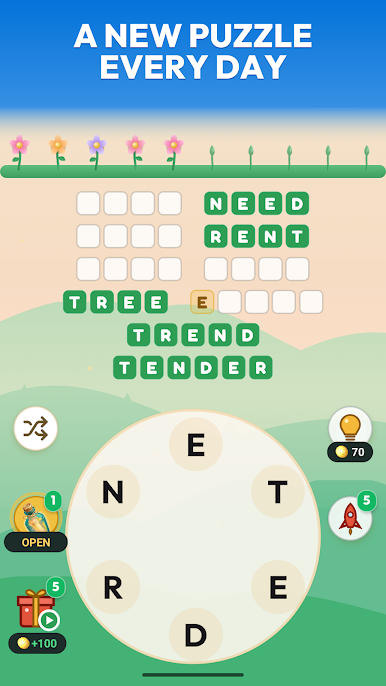
- Letter wheel + crossword: Connect letters to form words, then watch them drop into a sleek crossword layout that makes progress feel extra satisfying.
- No timers, all chill: Play at your own pace with zero rush, perfect for clearing your head for a few minutes (or a few levels).
- Daily puzzle & streaks: A fresh challenge lands every day; keep your streak going and see your garden thrive one quick solve at a time.
- Relaxing audio & haptics: Gentle meadow vibes, water sounds, birdsong, and soft taps make each find feel cozy and rewarding.
- Smart hints & rockets: Nudge a tough spot with a single-letter hint—or blast several reveals at once when you’re really stuck.
- Hidden bonus words: Spot extra words tucked in the letters to snag satisfying little wins and feel clever doing it.
- Scenic journeys in 3D: Wander from sleepy meadows to sakura gardens, lantern markets, and snowy auroras—then on to landmarks like Tower Bridge, the Sphinx, and Bali’s terraces.
- Lots of puzzles, fair curve: Start with easy wins, then stretch your vocabulary with thousands of challenges that ramp up without getting harsh.
- Little surprises to find: Gifts, chests, and pleasant bonuses pop up as you play, adding a steady drip of feel-good moments.
BlueStacks gives you more room to focus on the game and less time adjusting around mobile limitations.

Play Wordmere: Cozy Word Puzzles on PC. It’s easy to get started.
-
Download and install BlueStacks on your PC
-
Complete Google sign-in to access the Play Store, or do it later
-
Look for Wordmere: Cozy Word Puzzles in the search bar at the top right corner
-
Click to install Wordmere: Cozy Word Puzzles from the search results
-
Complete Google sign-in (if you skipped step 2) to install Wordmere: Cozy Word Puzzles
-
Click the Wordmere: Cozy Word Puzzles icon on the home screen to start playing


