


Logo Quiz Ultimate
Play on PC with BlueStacks – the Android Gaming Platform, trusted by 500M+ gamers.

Page Modified on: May 05, 2026
Overview
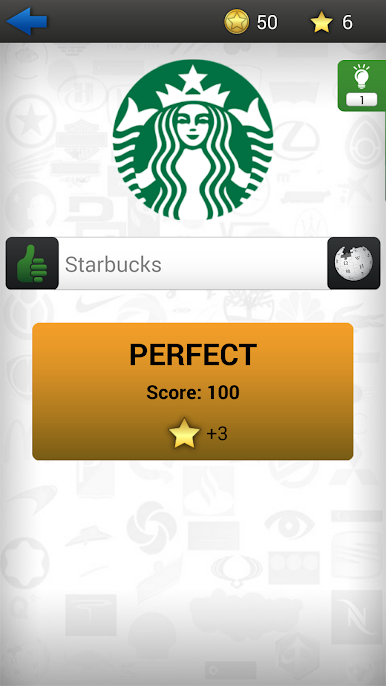
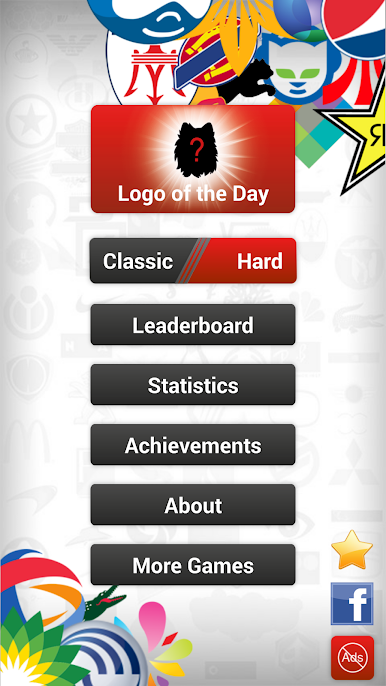
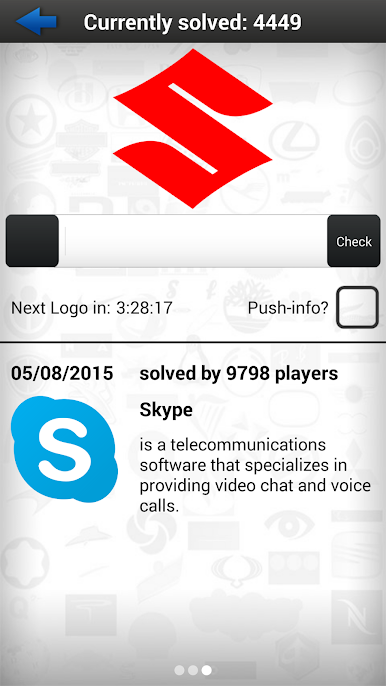
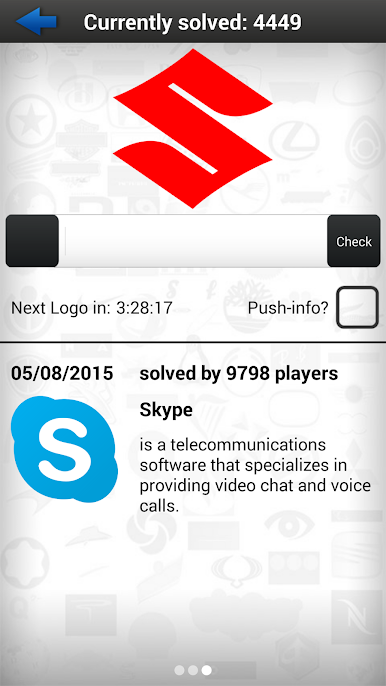
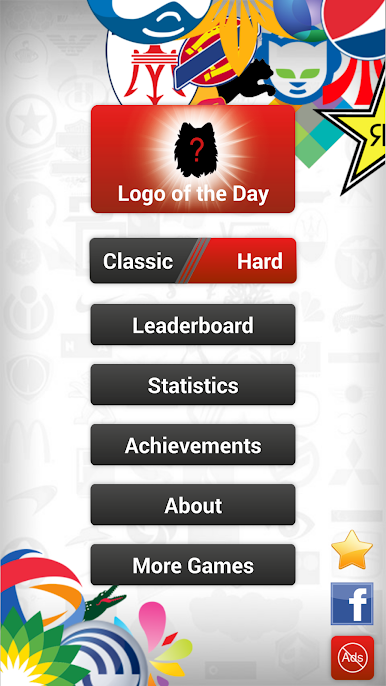
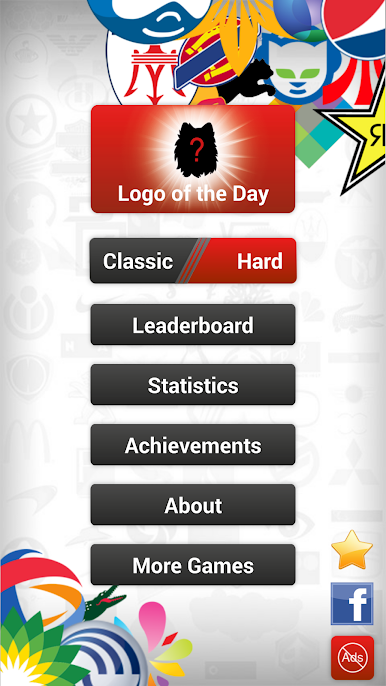
Only here there is the logo of the day and two game modes.
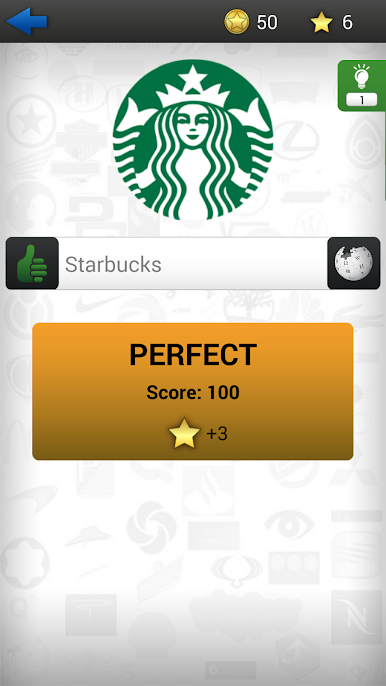
If you're already a real professional in Logo Quiz, test your skills in the Hard level!
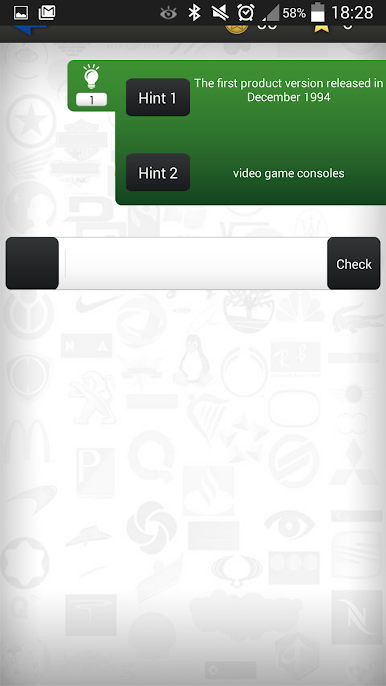
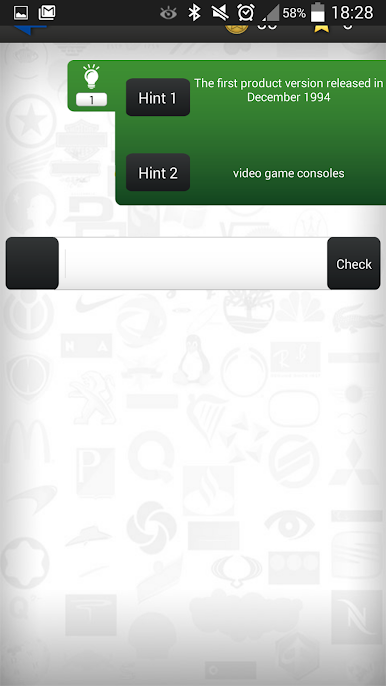
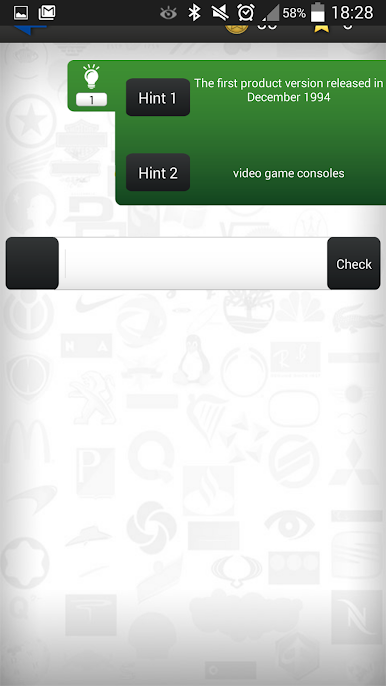
If you get stuck, use a hint or a Joker by using your earned stars or coins.
Why this Logo Quiz?
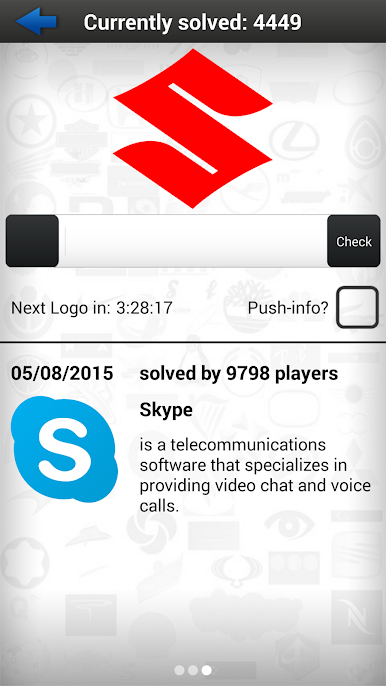
- There is the logo of the day every day
- Cool and clear design
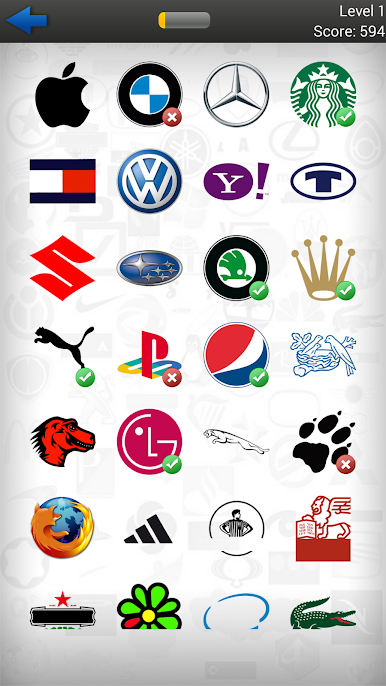
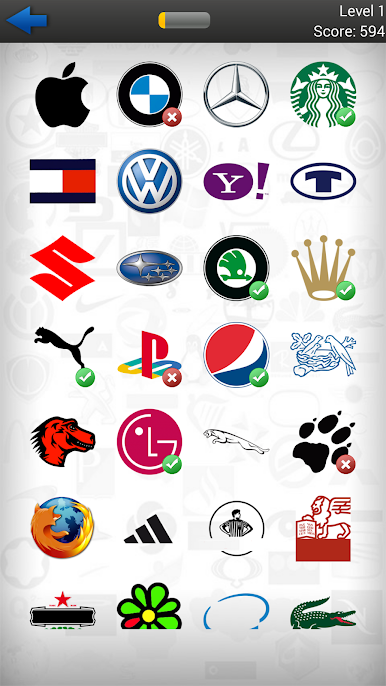
- 2200 logos !!!!!!
- Two LogoQuiz game modes (Classic and Hard)
Play Logo Quiz Ultimate on PC. It’s easy to get started.
-
Download and install BlueStacks on your PC
-
Complete Google sign-in to access the Play Store, or do it later
-
Look for Logo Quiz Ultimate in the search bar at the top right corner
-
Click to install Logo Quiz Ultimate from the search results
-
Complete Google sign-in (if you skipped step 2) to install Logo Quiz Ultimate
-
Click the Logo Quiz Ultimate icon on the home screen to start playing


