


Build Fire
Play on PC with BlueStacks – the Android Gaming Platform, trusted by 500M+ gamers.

Page Modified on: Nov 6, 2026
Play Build Fire on PC
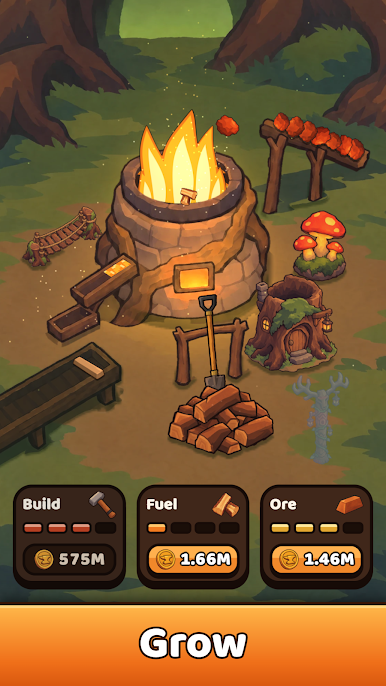
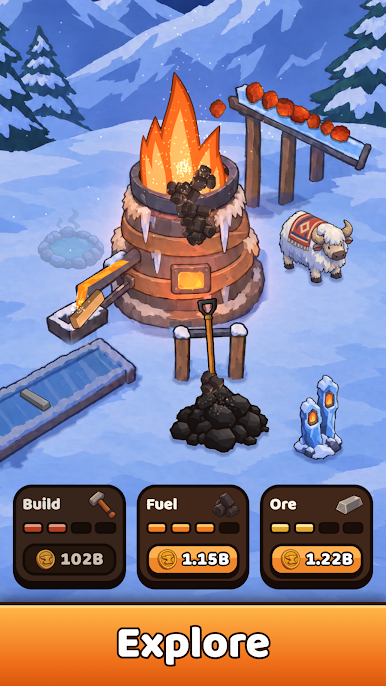
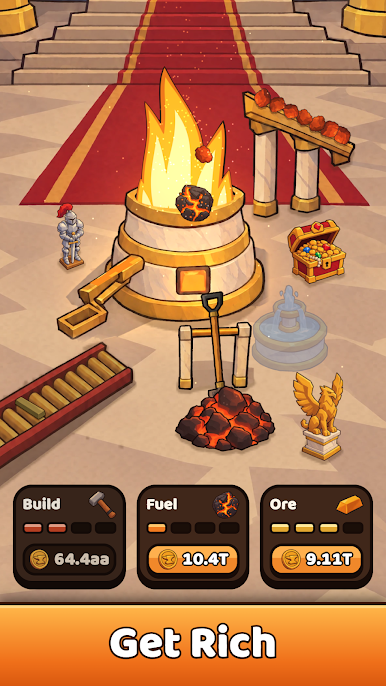
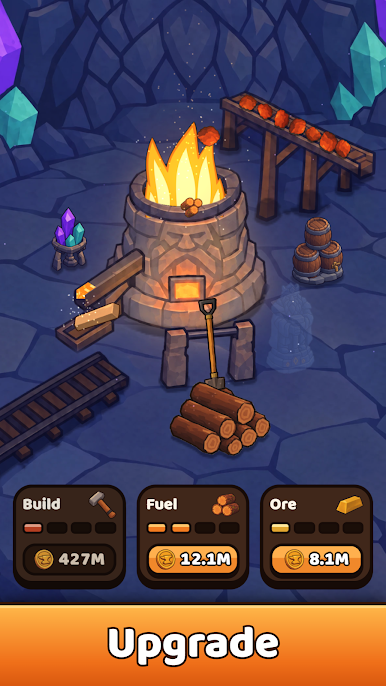
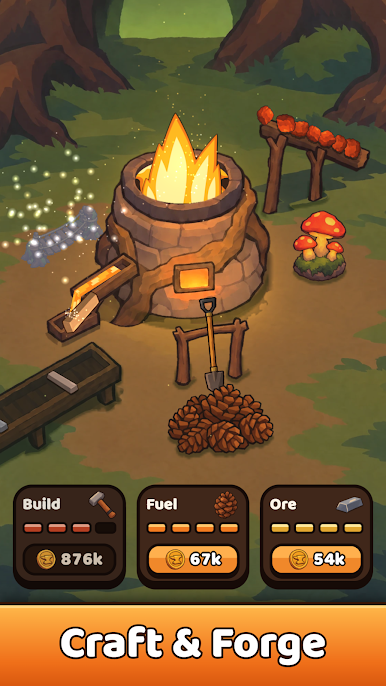
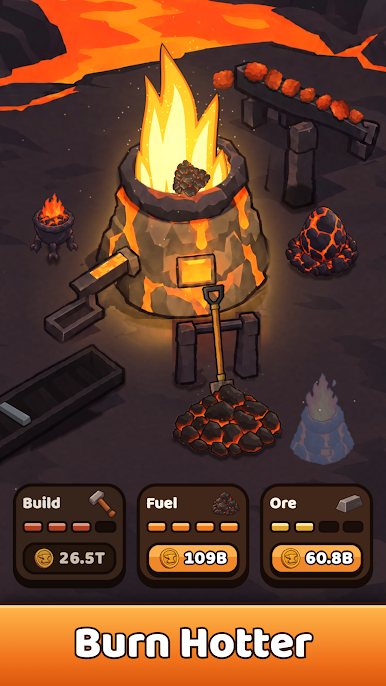
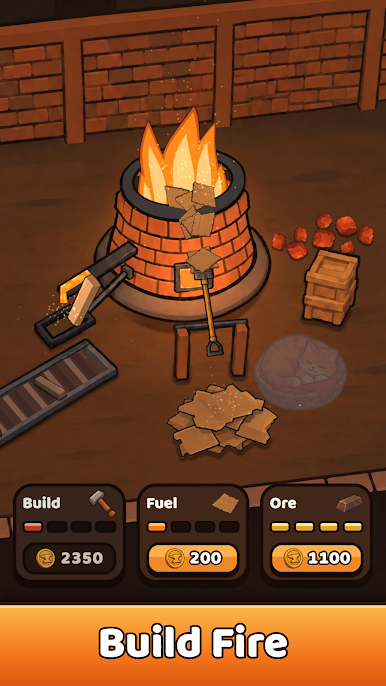
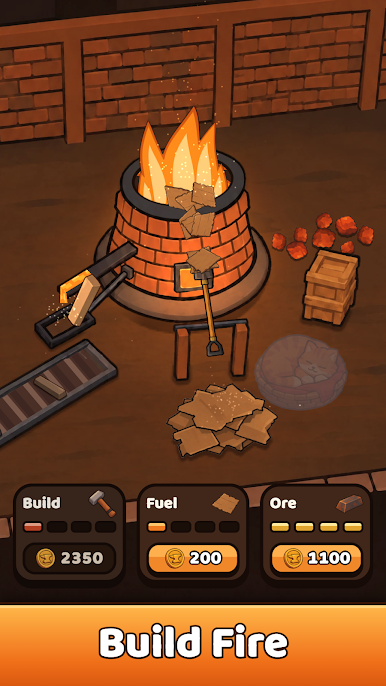
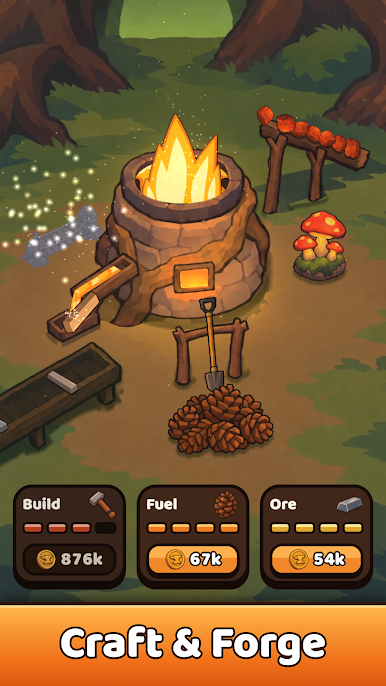
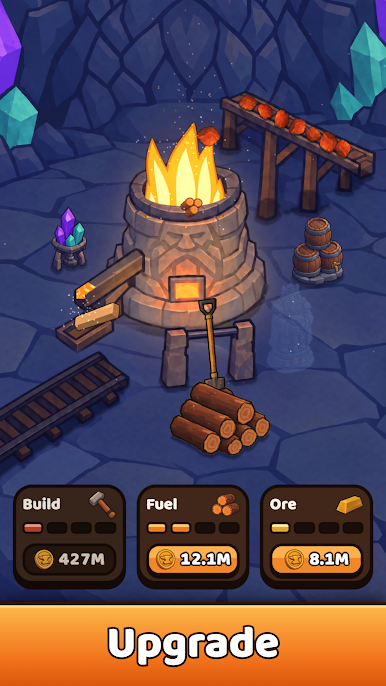
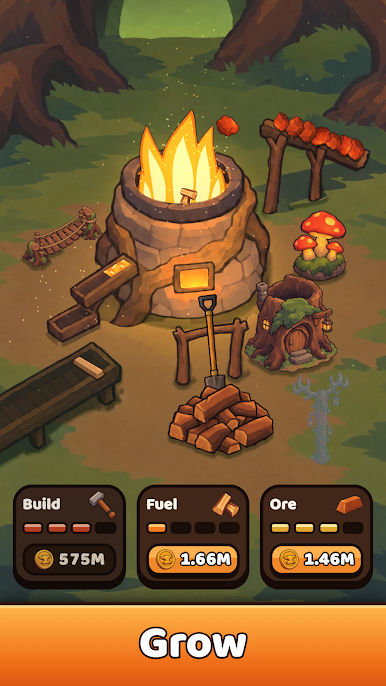
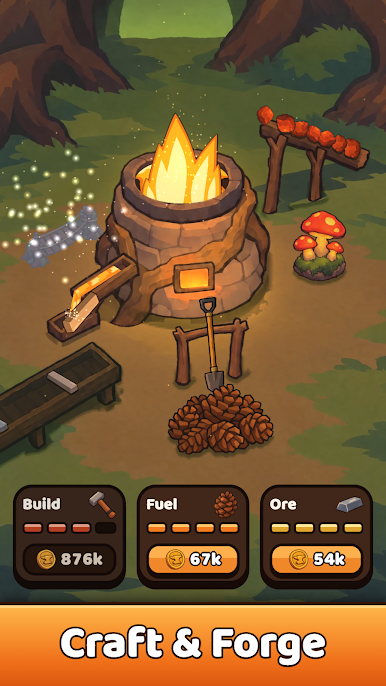
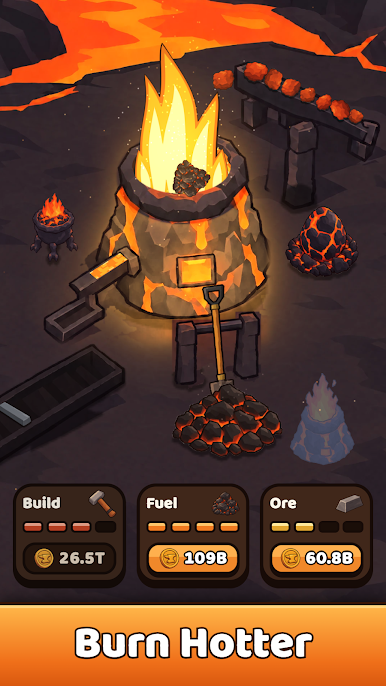
Grab your shovel and keep the furnace roaring. Every tap sends fuel into the flames, the fire smelts ore into glowing ingots, and those ingots pay your customers. Spend your coins on upgrades and watch a small village furnace grow into a busy blacksmith's forge.
TAP, STOKE, SMELT
Shovel cardboard, wood and more into the fire. Keep it burning hot and the ingots keep coming. Simple to start, satisfying to master.
THREE UPGRADES THAT MATTER
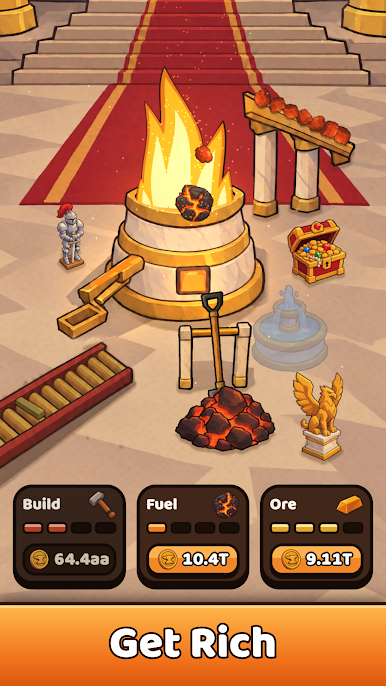
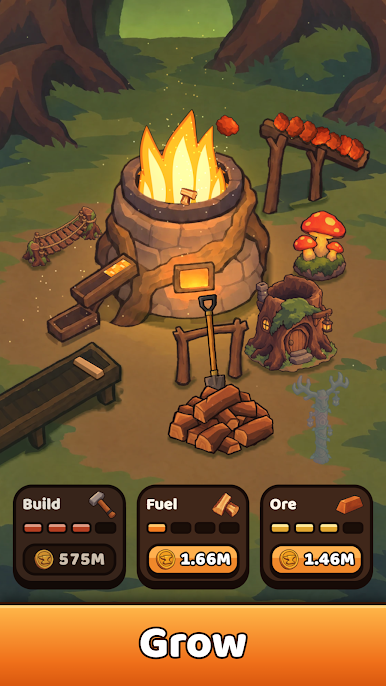
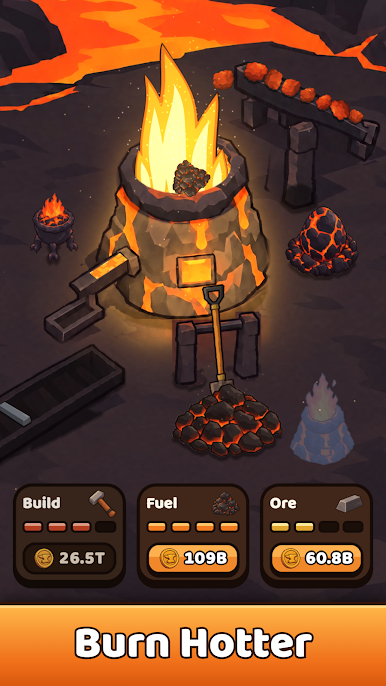
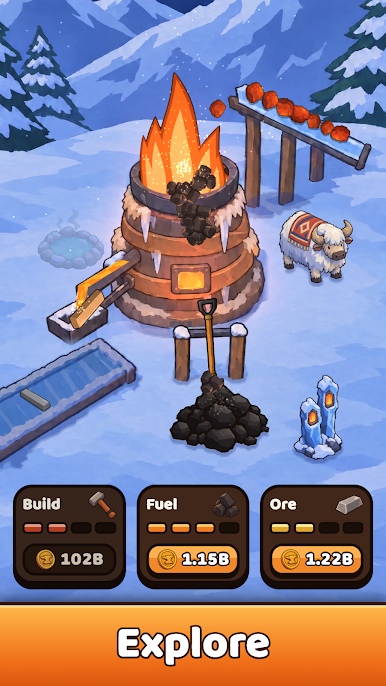
• Build: add new pieces to your forge
• Fuel: feed the fire with better fuel
• Ore: smelt richer ingots and earn more coins
BUILD YOUR FORGE
Every forge has four items to build. Hammer them in one by one and watch your workshop fill up around the fire.
EMBERS AND THE SKILL TREE
Collect Embers as you progress and spend them on the skill tree to power up your forge.
FEATURES
• One-tap controls that anyone can play
• Six hand-painted forges to explore
• Build, Fuel and Ore upgrades to balance
• Four items to build in every forge
• A skill tree powered by Embers
• Warm, cozy art with a glowing fire at its heart
Pick up the shovel and see how big your forge can grow.
Play Build Fire on PC. It’s easy to get started.
-
Download and install BlueStacks on your PC
-
Complete Google sign-in to access the Play Store, or do it later
-
Look for Build Fire in the search bar at the top right corner
-
Click to install Build Fire from the search results
-
Complete Google sign-in (if you skipped step 2) to install Build Fire
-
Click the Build Fire icon on the home screen to start playing


