


Catedrop: Card Puzzle
Play on PC with BlueStacks – the Android Gaming Platform, trusted by 500M+ gamers.

Page Modified on: Oct 26, 2026
Main Catedrop: Card Puzzle on PC
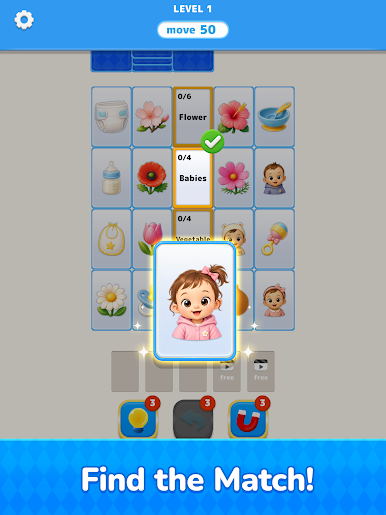
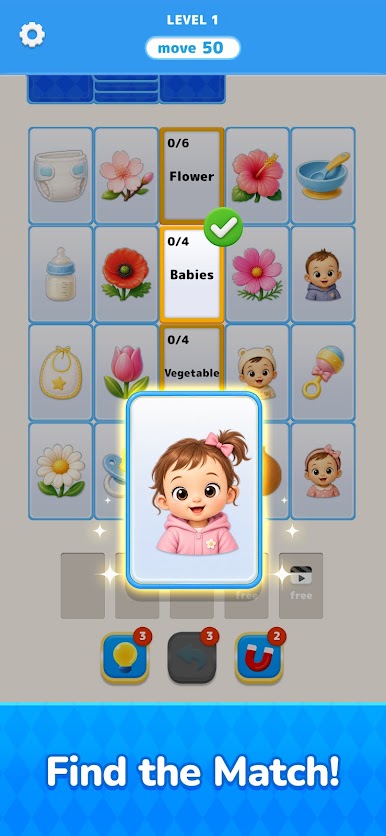
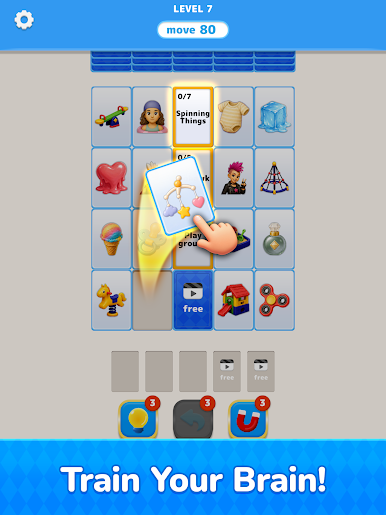
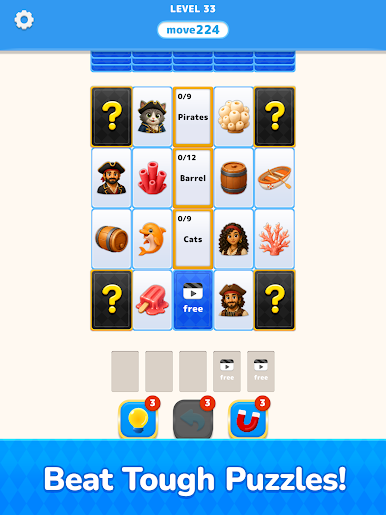
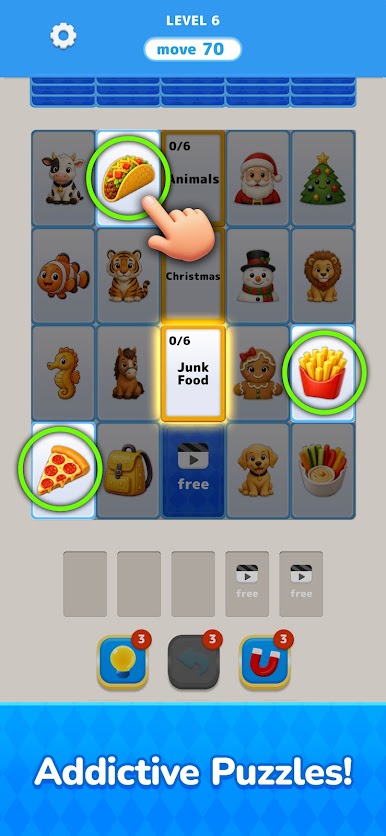
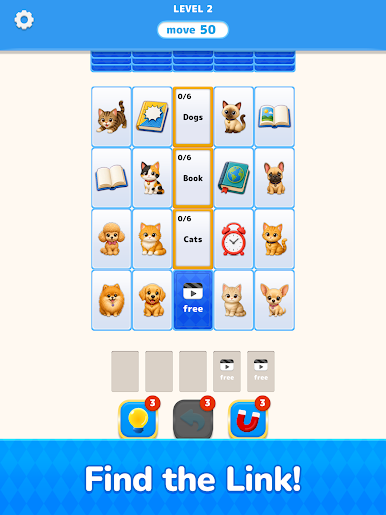
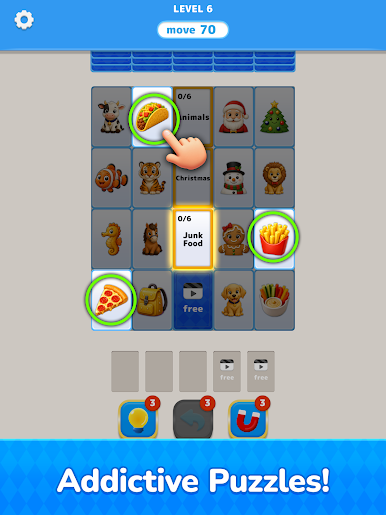
Collect matching cards into their groups to remove them from the board and uncover the hidden cards beneath. Each decision changes the puzzle, so planning ahead is the key to success.
Easy to learn and satisfying to play, Catadrop offers relaxing puzzles that reward smart thinking without overwhelming complexity.
Features
• Clear every card to complete each stage
• Think ahead and discover the best path
• Simple controls with engaging puzzle gameplay
• Colorful cards featuring a variety of fun themes
• Great for both quick sessions and long playtimes
Take your time, plan your moves, and enjoy a unique card puzzle adventure.
Download Catedrop today!



Play Catedrop: Card Puzzle on PC. It’s easy to get started.
-
Download and install BlueStacks on your PC
-
Complete Google sign-in to access the Play Store, or do it later
-
Look for Catedrop: Card Puzzle in the search bar at the top right corner
-
Click to install Catedrop: Card Puzzle from the search results
-
Complete Google sign-in (if you skipped step 2) to install Catedrop: Card Puzzle
-
Click the Catedrop: Card Puzzle icon on the home screen to start playing


