


QR Code Scanner & Scanner App
Play on PC with BlueStacks – the Android Gaming Platform, trusted by 500M+ gamers.

Page Modified on: Oct 14, 2026
Overview
*Easy-to-Use Scanner App*
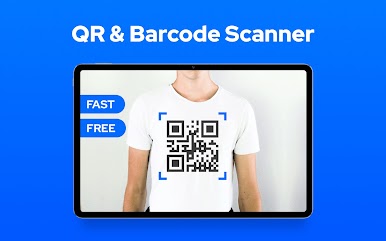
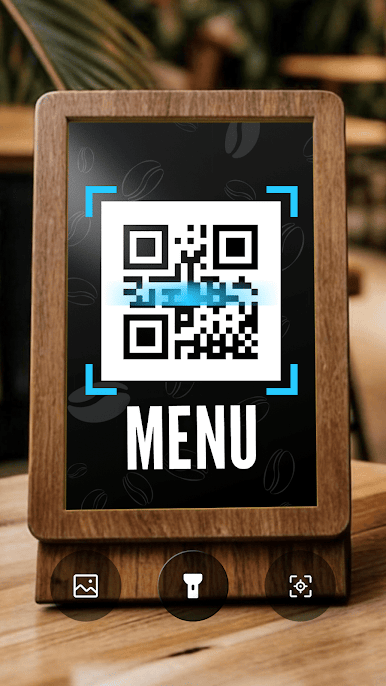
QR code reader just uses your phone's camera to scan and read QR codes/barcodes, then immediately displays results with multiple options for the next operation.
*Support All QR & Barcode Formats*
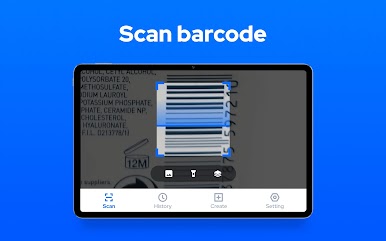
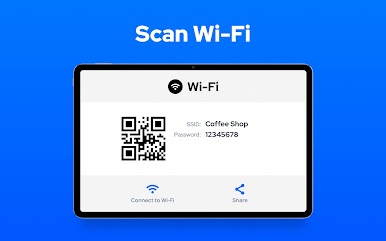
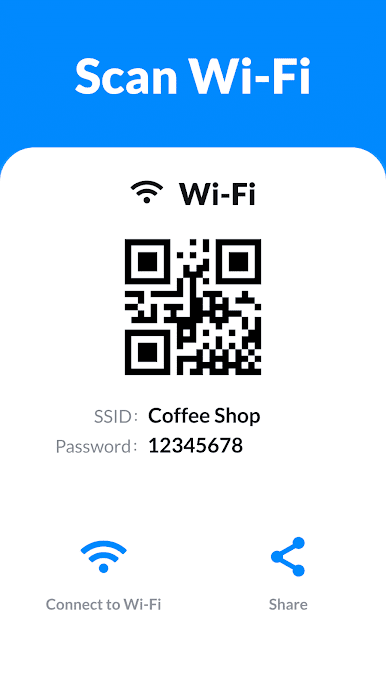
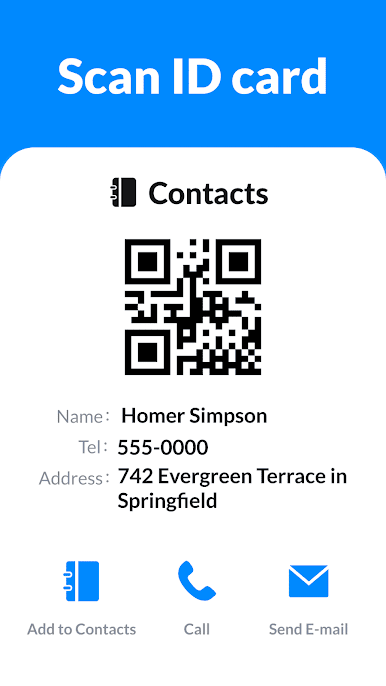
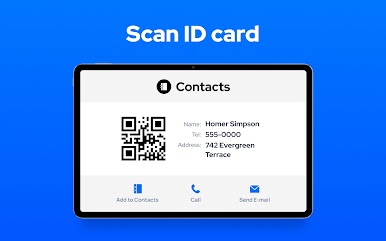
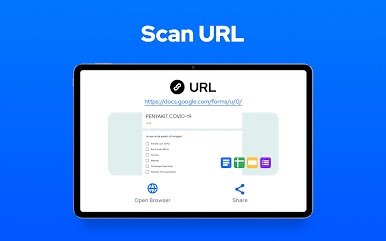
Automatically scan, read, and decode all types of QR codes/barcodes, including Wi-Fi, contacts, URL, products, text, books, E-mail, location, calendar, etc. Also, batch scan is supported!
*Price Scanner*
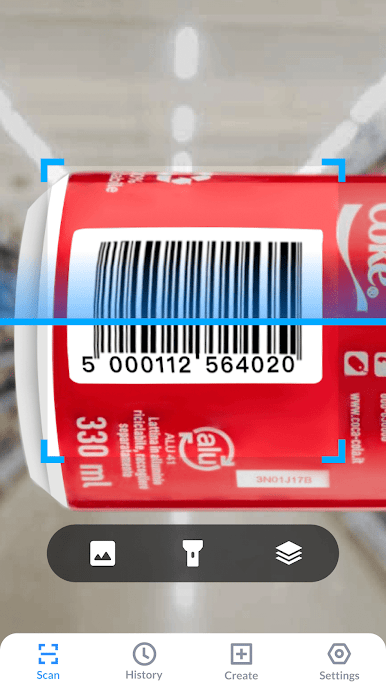
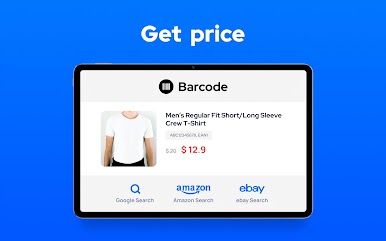
You can use this QR code reader as price scanner to scan product barcodes in stores, check product sources, view details, and compare prices online. Use it to scan promo/coupon codes💰 for discounts is also a wise choice.
*QR Code Creator*
It is also a QR code generator, helps you to create your own QR codes for URL, Wi-Fi, phone number, contacts, text, and more...
*Privacy Safe*
Your privacy is 100% safe. QR code scanner app only requires camera permission, and it won't use this permission to access any personal information in your phone.
#WHY CHOOSE QR CODE SCANNER?#
✔Support all QR & barcode formats
✔Auto zoom
✔Batch scan supported
✔Support scan QR & barcodes from gallery
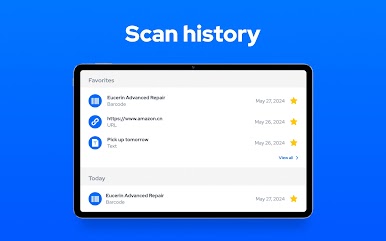
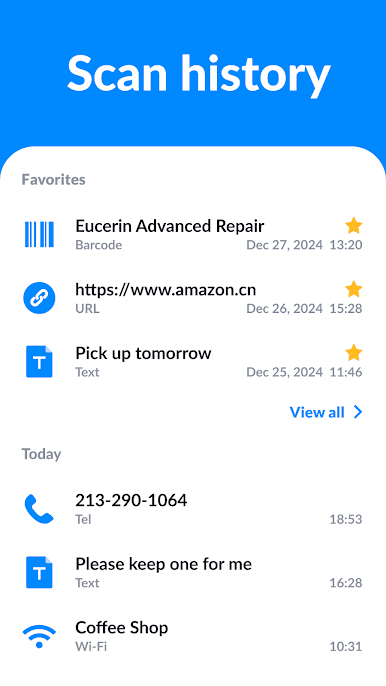
✔Scan history saved
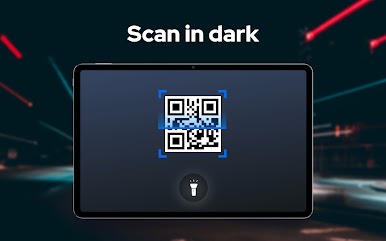
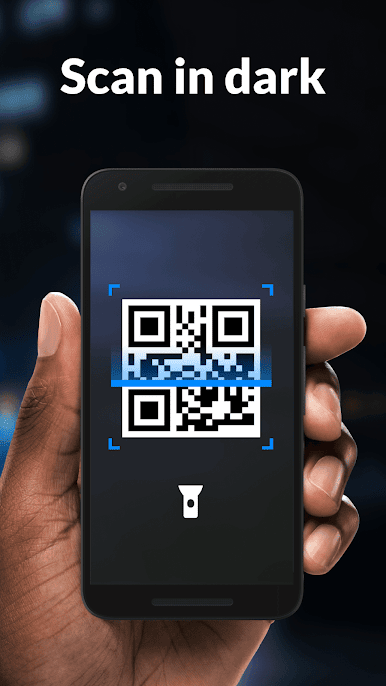
✔Dark mode supported
✔Flashlight supported
✔Privacy safe
✔No internet connection required
How to Use
1. Point camera to the QR code/barcode
2. Auto recognize, scan and decode
3. Get result and relevant options


Play QR Code Scanner & Scanner App on PC. It’s easy to get started.
-
Download and install BlueStacks on your PC
-
Complete Google sign-in to access the Play Store, or do it later
-
Look for QR Code Scanner & Scanner App in the search bar at the top right corner
-
Click to install QR Code Scanner & Scanner App from the search results
-
Complete Google sign-in (if you skipped step 2) to install QR Code Scanner & Scanner App
-
Click the QR Code Scanner & Scanner App icon on the home screen to start playing


