Flash StuntZ
Flash StuntZ

Flash StuntZ

Sports

| MDickie

Play on PC with BlueStacks or from our cloud

  • Overview
  • Game Features
  • How to Play

Page Modified On: October 21, 2026

Play Flash StuntZ on PC or Mac

Flash StuntZ by MDickie has plenty to keep you busy. BlueStacks lets you play it on PC or Mac with more screen space, better control, and fewer mobile limits.

About the Game

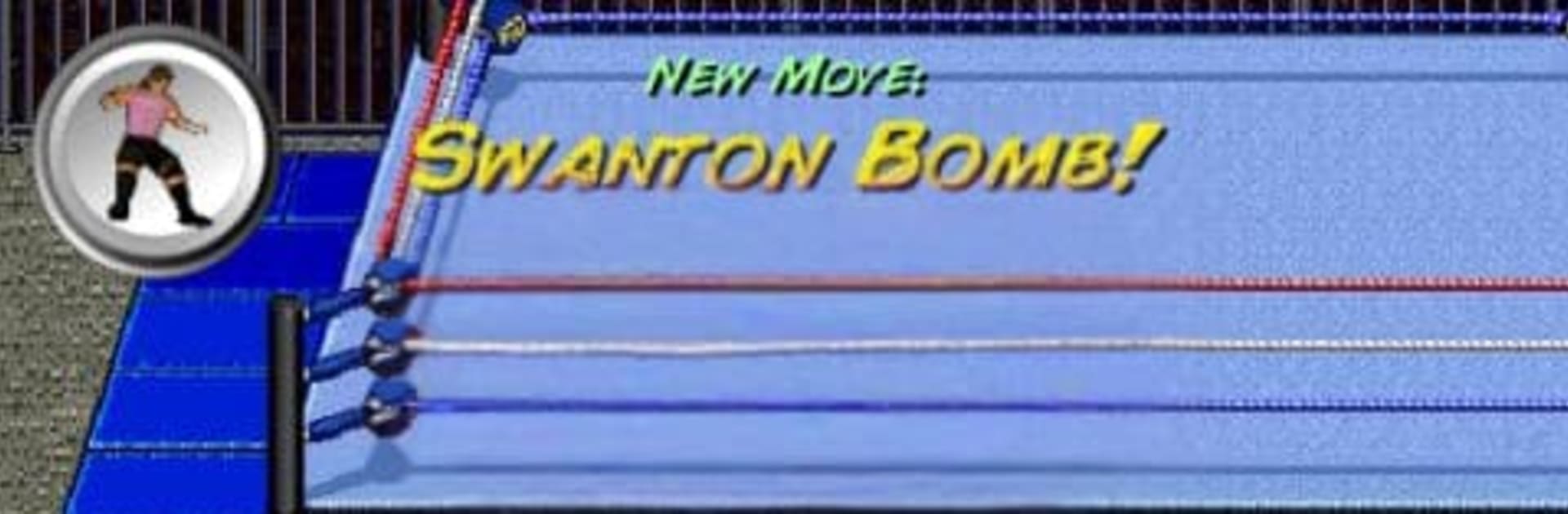
Flash StuntZ is a wild Sports stunt-wrestling playground where the ring is a runway and airtime is everything. Load up a launch, twist through the sky, and stick the landing to trigger stylish moves and big scores while you track down every hidden trick. It also plays great on BlueStacks if you like a bigger view and custom keys.

Game Features

  • Aerial showmanship, your way: Launch your wrestler high, control the spin, and nail clean landings to unleash 17 distinct finishers and stunts.
  • Flick-to-fly controls: Press and hold to prime one of six takeoffs, flick to set your angle and power, and keep your touch in front or behind to steer forward or backward spins.
  • Momentum that matters: Add a quick tilt for extra rotation and hangtime, turning almost-bad ideas into highlight-reel moments.
  • Table-stacking mayhem: Hoist a table, stack it on another, and crash through the pile for satisfying bonus points.
  • Opportunistic takedowns: Keep an eye out for passersby—you can clip opponents mid-flight if your timing’s sharp.
  • Discovery-driven progression: Seek out and master all 17 move outcomes, then push for cleaner runs and bigger totals.
  • Quick to learn, deep to master: Hop in for a few explosive attempts or grind for the perfect sequence—the responsive physics reward precision and creativity.

Start your journey now. Download the game on BlueStacks, invite your friends, and march on a new adventure.

Game Features

Enhancements

  • Macros
  • Multi Instance
  • Multi Instance Sync
  • Script
  • Enhancements
Macros

Macros

Automate the predictable in Flash StuntZ and transform your gameplay with Macros. Get access to inventive Macros in the BlueStacks Macro Community
Multi Instance

Multi Instance

Play Flash StuntZ on one window. And chat with your friend on the other. Press CTRL + Shift + 8 to open the Multi-Instance Manager. And start creating fresh instances or clone an existing one.
Multi Instance Sync

Multi Instance Sync

Play Flash StuntZ with the power of Multi-Instance Sync. Replicate what you are doing on the main instance on all other instances. Level up faster, play more.
Script

Script

Script your way to gaming glory in Flash StuntZ with BlueStacks Script. Write and run a set of commands to automate repeated tasks. Trigger the command by assigning it to any key.
Read More

How to Download and Play Flash StuntZ on PC or Mac

  • Download and install BlueStacks on your PC or Mac

  • Complete Google sign-in to access the Play Store, or do it later

  • Look for Flash StuntZ in the search bar at the top right corner

  • Click to install Flash StuntZ from the search results

  • Complete Google sign-in (if you skipped step 2) to install Flash StuntZ

  • Click the Flash StuntZ icon on the home screen to start playing

video
Watch Video

Minimum System Requirements

With BlueStacks 5, you can get started on a PC that fulfills the following requirements.

  • Operating System

    Microsoft Windows 7 or above, macOS 11 (Big Sur) or above

  • Processor

    Intel, AMD or Apple Silicon Processor

  • RAM

    at least 4GB

  • HDD

    10GB Free Disk Space

Note:

* You must be an Administrator on your PC. Up to date graphics drivers from Microsoft or the chipset vendor.

Flash StuntZ - FAQs

  • How to play Flash StuntZ on Windows PC & Mac?

    Play Flash StuntZ on your PC or Mac by following these simple steps.

    • Click on 'Play Flash StuntZ on PC’ to download BlueStacks
    • Install it and log-in to Google Play Store
    • Launch and play the game.
  • Why is BlueStacks the fastest and safest platform to play games on PC?

    BlueStacks respects your privacy and is always safe and secure to use. It does not carry any malware, spyware, or any sort of additional software that could harm your PC.

    It is engineered to optimize speed and performance for a seamless gaming experience.

  • What are Flash StuntZ PC requirements?

    Minimum requirement to run Flash StuntZ on your PC

    • OS: Microsoft Windows 7 or above MacOS 11 (Big Sur) or above
    • Processor: Intel, AMD or Apple Silicon Processor
    • RAM: Your PC must have at least 4GB of RAM. (Note that having 4GB or more disk space is not a substitute for RAM)
    • HDD: 10GB Free Disk Space.
    • You must be an Administrator on your PC.
